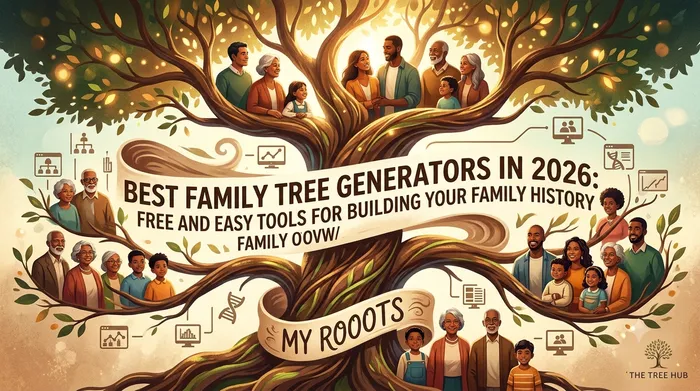
Whether you are starting your family history for the first time or organizing generations of research, choosing the right family tree generator can save hours of work. Modern tools let you add relatives, upload photos, create relationship charts, and share your tree with family members around the world.
In this guide, we compare the best family tree generators in 2026, including free options, beginner-friendly tools, and advanced genealogy platforms.
What makes a great family tree generator?
Before comparing tools, look for these features:
- Easy drag-and-drop tree building
- Support for multiple generations
- Photo and document uploads
- Relationship calculations
- Timeline or ancestry views
- Export options (PDF, image, GEDCOM)
- Collaboration with relatives
- Mobile-friendly design
- Privacy controls
If you only need a simple visual tree, a lightweight free tool is often better than a complex genealogy platform.
Quick comparison table
| Tool | Best for | Free plan | Online | Collaboration |
|---|---|---|---|---|
| My rOoOts Family Tree Generator | Beginners & visual family trees | Yes | Yes | Yes |
| Ancestry | Historical records & research | Limited | Yes | Yes |
| MyHeritage | Smart matching & DNA users | Limited | Yes | Yes |
| FamilySearch | Completely free genealogy | Yes | Yes | Yes |
| Gramps | Offline power users | Yes | No | Limited |
| Canva Family Tree Templates | School projects & design | Yes | Yes | Limited |
1. My rOoOts Family Tree Generator
Best for: Fast, free family tree creation
Link: https://myrooots.app/create-tree
My rOoOts is designed for people who want to build a family tree in minutes without learning complicated genealogy software.
Strengths
- Free online family tree builder
- Clean visual layout
- Add parents, children, spouses, and extended relatives
- Share your tree with family members
- Works well on desktop and mobile
- No genealogy expertise required
For new users, this is one of the easiest ways to create a multi-generational family tree and start preserving family history.
You can also use the Relationship Calculator to understand connections such as cousin relationships, in-laws, and extended relatives:
https://myrooots.app/relationship-calculator
2. Ancestry
Best for: Historical records and serious genealogy research
Ancestry is one of the largest genealogy platforms in the world. Its biggest advantage is access to census records, immigration documents, military records, and other historical archives.
Pros
- Massive record collection
- Excellent search tools
- DNA integration
- Strong family collaboration features
Cons
- Many features require a subscription
- Can feel overwhelming for beginners
Choose Ancestry if your main goal is researching ancestors through historical documents.
3. MyHeritage
Best for: International family history and photo tools
MyHeritage is popular in Europe, the Middle East, and many international genealogy communities.
Pros
- Smart Matches and Record Matches
- Good support for non-English records
- Photo enhancement and colorization tools
- DNA testing integration
Cons
- Free trees have size limits
- Subscription needed for full record access
It is especially useful if your family has roots in multiple countries.
4. FamilySearch
Best for: Completely free genealogy research
FamilySearch is operated by a nonprofit organization and offers free access to millions of records.
Pros
- Free to use
- Large global record collection
- Collaborative world family tree
- Strong educational resources
Cons
- Shared tree model can be confusing
- Less polished interface than commercial platforms
For budget-conscious researchers, FamilySearch is hard to beat.
5. Gramps
Best for: Offline power users and detailed research
Gramps is open-source genealogy software that runs on your computer.
Pros
- Free and open source
- Full control of your data
- Advanced genealogy features
- Excellent reporting tools
Cons
- Requires installation
- Steeper learning curve
- Less convenient for sharing online
Use Gramps if you want a desktop genealogy database with extensive customization.
6. Canva Family Tree Templates
Best for: School projects and printable charts
Canva is not a genealogy platform, but it offers attractive family tree templates.
Pros
- Beautiful designs
- Easy drag-and-drop editing
- Great for presentations and school assignments
Cons
- Not built for long-term genealogy
- Limited relationship logic
This is ideal when you need a quick printable family tree.
Which tool should you choose?
For beginners
My rOoOts Family Tree Generator
For serious genealogy research
Ancestry or FamilySearch
For international ancestry research
MyHeritage
For offline control
Gramps
For school projects
My rOoOts Family Tree Generator
Free vs paid family tree generators
Free tools are usually enough when you:
- Want a visual family tree
- Need 3–10 generations
- Want to share with relatives
- Do not need historical records
Paid tools are worth it when you:
- Research ancestors before 1900
- Need census, immigration, or military records
- Use DNA matching features
- Build a very large documented tree
Many people start with a free tree and later add a research subscription only if needed.
A simple beginner workflow
- Start with yourself.
- Add parents and grandparents.
- Ask relatives for names, dates, and photos.
- Upload old family photographs.
- Add siblings, aunts, uncles, and cousins.
- Use a relationship calculator to verify connections.
- Create a timeline of major family events.
A useful next step is the Ancestor Timeline Generator, which turns family dates into a chronological family history:
https://myrooots.app/ancestor-timeline-generator
Common mistakes to avoid
- Relying only on memory
- Ignoring maiden names
- Mixing people with similar names
- Forgetting to record sources
- Leaving photos unlabeled
- Not backing up your tree
Even a simple family tree becomes far more valuable when each person includes dates, places, and source notes.
What about privacy?
Before sharing your tree publicly:
- Hide living people’s details
- Avoid posting sensitive personal information
- Use private sharing links when available
- Get permission before uploading recent family photos
My rOoOts and most modern platforms allow you to control who can view your tree.
Best family tree generator for most people
For the average family historian in 2026, My rOoOts Family Tree Generator offers the best balance of simplicity, speed, visual clarity, and free access. You can create a family tree in minutes, share it with relatives, and expand it over time without needing genealogy training.
Start building your family tree here:
https://myrooots.app/create-tree
Final thoughts
The best family tree generator is the one you will actually use consistently. If you are just beginning, start with a free visual tool and focus on collecting accurate family information. As your research grows, you can always export your data and move to a more advanced genealogy platform.
Family history is not only about names and dates. It is about preserving stories, relationships, photographs, and memories for future generations. The sooner you start, the more family knowledge you can save.
Related tools
- Family Tree Generator: https://myrooots.app/create-tree
- Relationship Calculator: https://myrooots.app/relationship-calculator
- Ancestor Timeline Generator: https://myrooots.app/ancestor-timeline-generator
SEO keywords: best family tree generator, free family tree maker, family tree builder online, genealogy software, create family tree free, family tree app, ancestry tree maker, online family tree generator, family history tools, genealogy tree builder
Tags: family tree, genealogy, family history, ancestry, family tree generator, family tree maker, genealogy tools, family tree builder, ancestry research, family relationships
Editor's picks
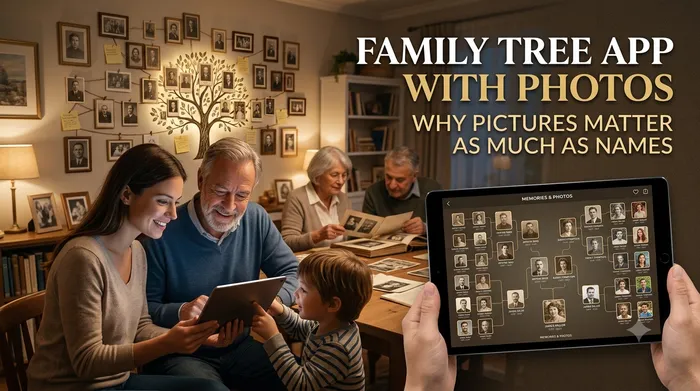
26 July 2026
Family Tree App with Photos: Why Pictures Matter as Much as Names
A family tree of names and dates tells you who existed. A family tree with photos tells you who they were. Here's why photos change everything.
29 July 2026
How to Create a Family Legacy That Future Generations Will Remember
A family legacy is more than names and dates. Learn how to preserve your family’s values, stories, traditions, and memories so future generations can understand where they came from.
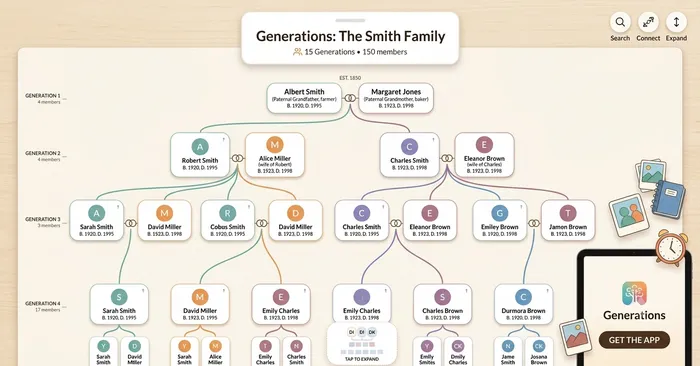
26 July 2026
How to Get Your Whole Family Involved in Your Family Tree
A family tree built by one person stalls at what one person remembers. Here's how to turn it into something your whole family actively contributes to.
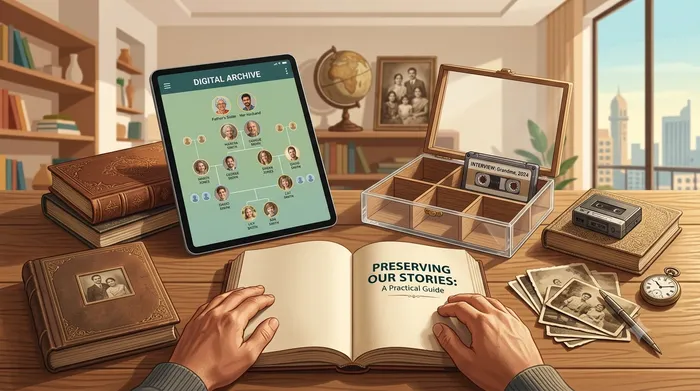
26 July 2026
How to Document Your Family History Before It's Lost
Every year, family stories disappear along with the people who remember them. Here's a practical way to start capturing yours before it's too late.
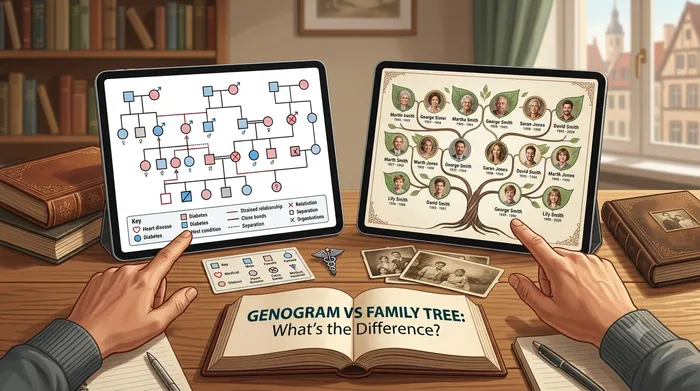
26 July 2026
Genogram vs Family Tree: What's the Difference (and Which Do You Need)?
The two terms get used interchangeably, but genograms and family trees serve different purposes. Here's how to tell them apart, and which one fits your goal.
26 July 2026
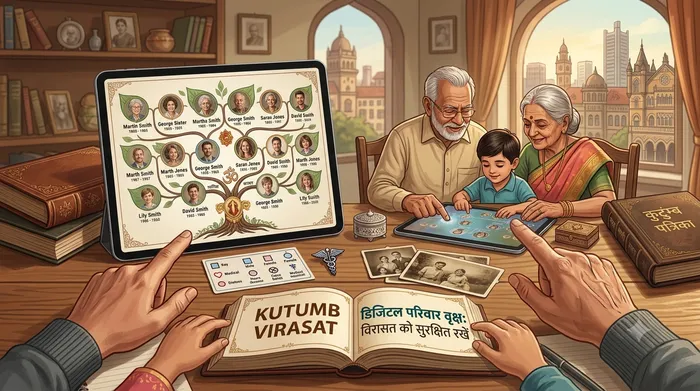
10 Reasons Every Indian Family Should Create a Digital Family Tree
Discover why every Indian family should create a digital family tree to preserve memories, document relationships, and pass their family legacy to future generations.
26 July 2026
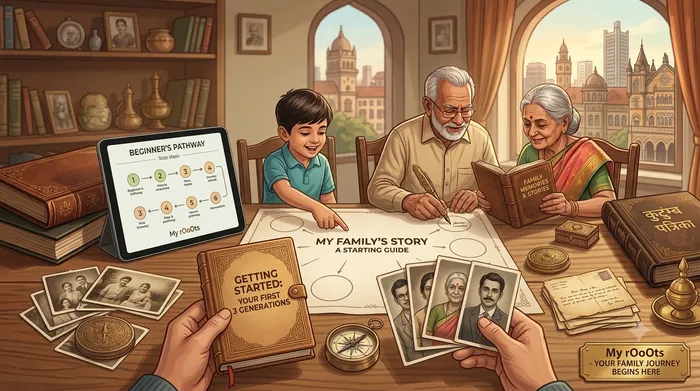
How to Start Your Family Tree: A Step-by-Step Guide for Beginners
Learn how to start your family tree with this beginner-friendly guide. Discover practical tips for collecting family information, preserving memories, and building your family history with My rOoOts.
29 July 2026
Family Tree vs Genealogy: What’s the Difference?
Many people use the terms “family tree” and “genealogy” interchangeably, but they aren’t exactly the same. Learn the differences and discover how both help preserve your family’s history.
29 July 2026
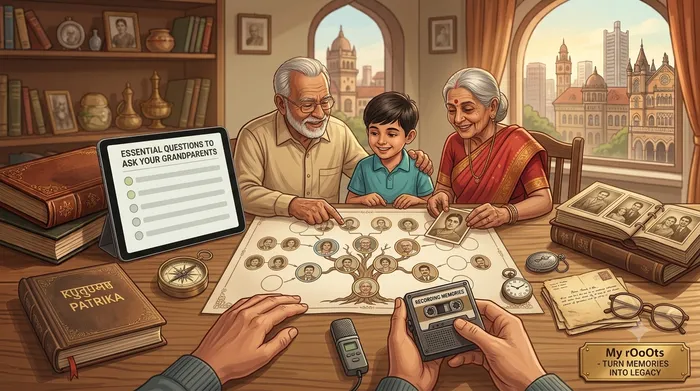
How to Interview Your Grandparents Before Their Stories Are Lost
Your grandparents hold memories that will never appear in official records. Learn the best questions to ask, how to preserve their stories, and how to turn those memories into a lasting family tree.
29 July 2026
The Importance of Recording Family Migration Stories and Ancestral Journeys
Every family’s journey includes moments of change: moving cities, crossing borders, or starting a new life somewhere new. Learn how to preserve these migration stories and connect them with your family history.
29 July 2026
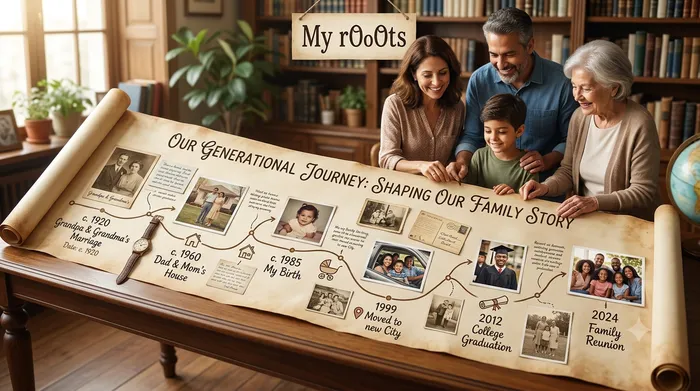
How to Build a Family Timeline and Understand Your Ancestors’ Life Journey
A family tree shows relationships, but a family timeline reveals the events that shaped your family’s story. Learn how to organize important moments, milestones, and memories across generations.
Create Your Family Tree for Free
Start building your family history in minutes with the My rOoOts Free Family Tree Creator. Add parents, grandparents, children, and relatives, organize generations visually, and create a beautiful family tree that you can save and share.
👉 Create your free family tree: Free Family Tree Creator
No design skills required. Simply enter your family details and generate a clear, easy-to-read family tree online for free.
Check Zodiac Compatibility for Any Two People
Curious about how well two people match based on their date of birth? Try the My rOoOts Zodiac Compatibility Tool to compare zodiac signs, explore relationship compatibility, and get a quick compatibility score for couples, friends, or family members.
👉 Check compatibility now: Zodiac Compatibility Calculator
You can enter two dates of birth and even mention the relationship type to get a more personalized compatibility result.
Download a Free Family Tree Template
Want to draw your family tree yourself? The My rOoOts Family Tree Template provides a free printable blank pedigree chart for documenting your family history across multiple generations.
👉 Download a free family tree template: Family Tree Template
Choose a 3-generation, 4-generation, or 5-generation family tree template and save it as a PDF for printing, writing, and documenting your ancestors.
Discover the Meaning and Origin of Your Surname
Ever wondered where your family name came from? Use the My rOoOts Surname Meaning Lookup to explore surname meanings, origins, history, and etymology from different regions and cultures around the world.
👉 Discover your surname meaning: Surname Meaning Lookup
Learn more about your last name and explore the possible linguistic, geographic, cultural, and historical roots behind your family surname.
Start your family tree free
No account needed to begin. Build it in minutes, then save it whenever you're ready.
Build your family tree