- 1
Choose who to ask
Open Stories and press Collect someone's stories, or open a person's profile and use their weekly questions card. Pick the person, and whether the questions go to them by email, or to you each week as a message to forward on WhatsApp.
Start collecting a relative's stories. - 2
They answer from their phone
Each week they get one question with a link. The page is simple on purpose: big text, a record button for their voice, or a box to type. No app to install and no account.
If a question does not suit them, they can skip it or ask for another.
What your relative sees: one question, and a record button. - 3
Read and listen on the Stories page
Every answer lands on the Stories page and on the person's profile, newest first. Filter by person, play the recordings, and ask a follow-up to any answer.
Every answer, kept with the family tree. - 4
Choose the questions and the timing
Manage shows what was sent, opened and answered. Queue your own question, send the next one now, or change the day and pause whenever you like.
You stay in control of what is asked and when.
Common questions
What kind of questions are asked?+−
Warm, easy ones about childhood, family, love, work, traditions, places and lessons learned. You can also write your own.
Can they answer in their own language?+−
Yes. A voice recording keeps their words exactly as they said them, in any language.
How often are questions sent?+−
One a week, on the day you choose. You can pause or stop at any time.
Related guides
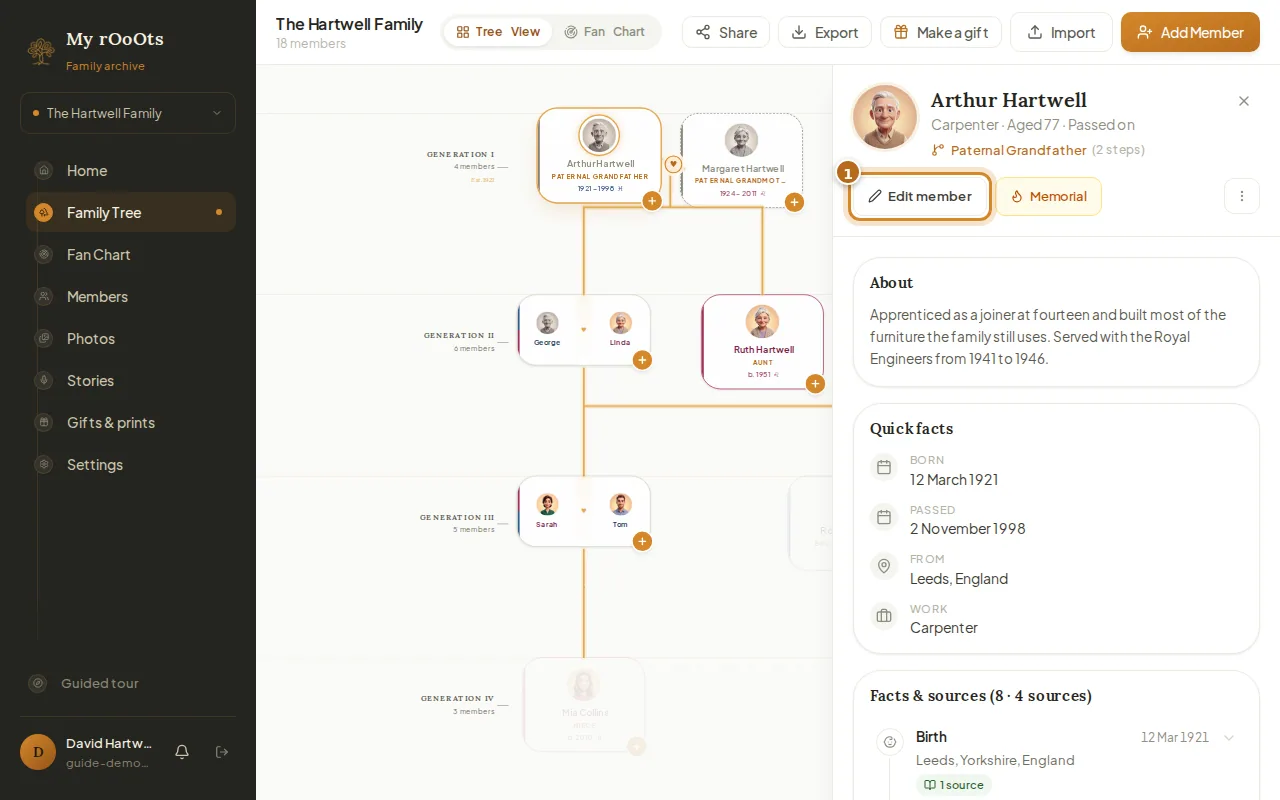
Edit a profile
Open anyone on your tree to add their photo, dates, birthplace, occupation, a short biography, or a tribute for someone who has passed.
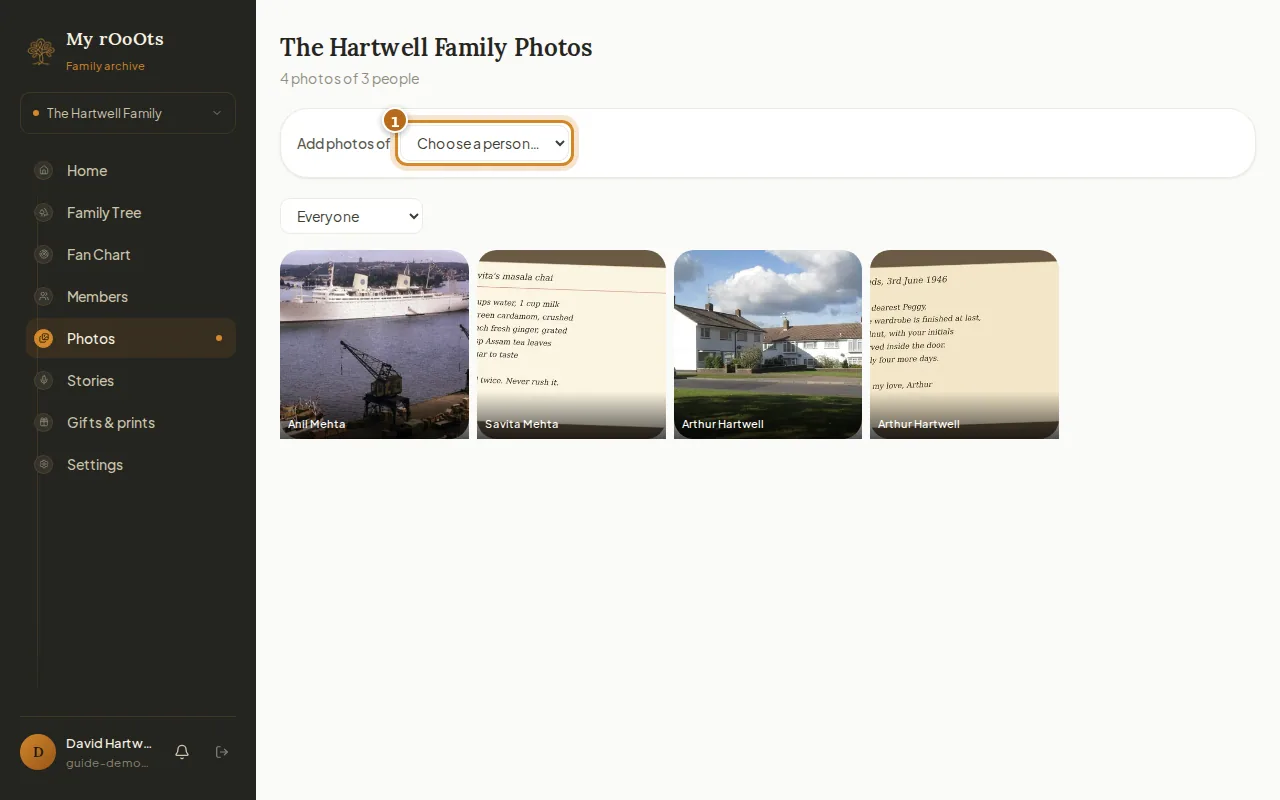
Add family photos
Give every person their own photo gallery, add captions and years, and browse the whole family album in one place. Works from your phone camera roll too.
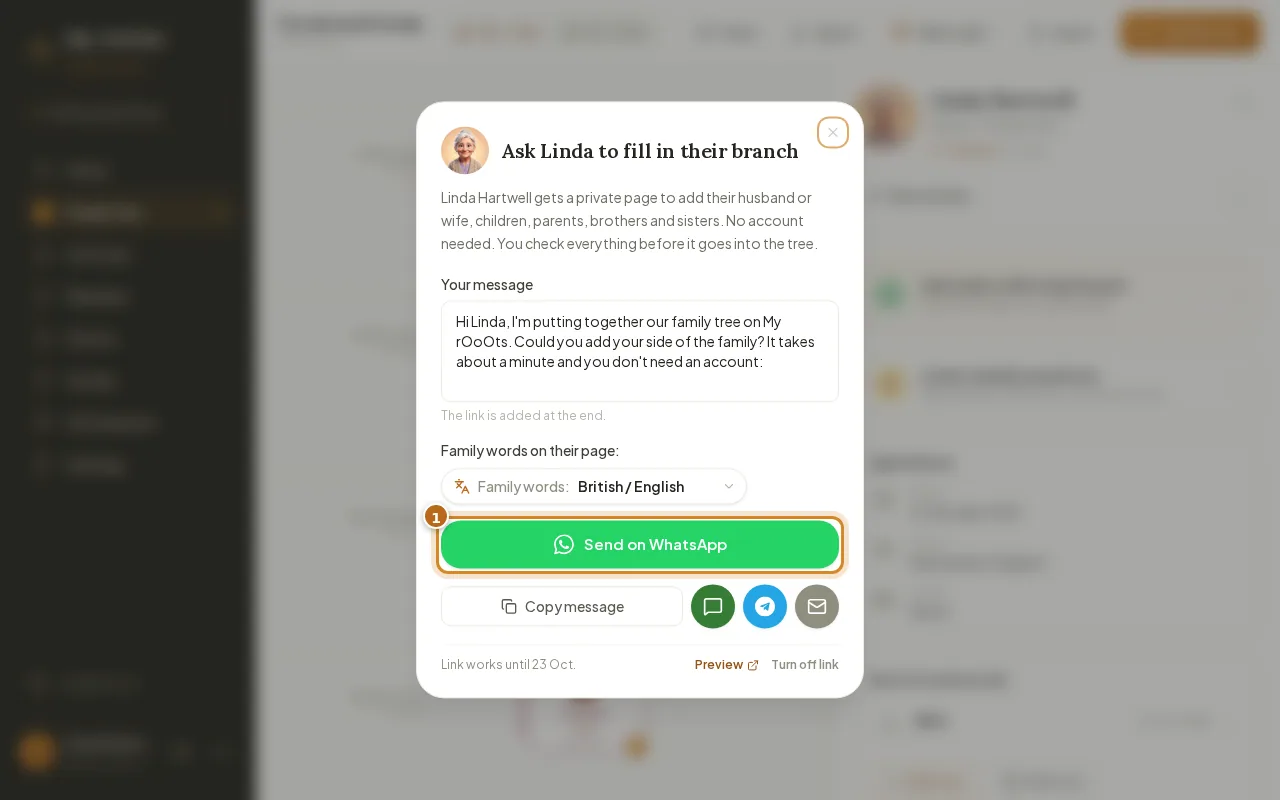
Invite your family
Invite relatives with a private link, or send a Fill in your branch link so they can add their side from their phone with no account. You approve every change.
Screenshots show a made-up example family. Last updated 23 September 2026.