- 1
Send your private invite link
Open your tree and press Share. Under Invite Family Members you will find your family's private invite link. Copy it and send it by WhatsApp, text or email.
Anyone who opens it and signs in joins your tree as a Viewer. If the link is ever shared too widely, press Generate new invite link and the old one stops working.
Your private invite link lives in the Share window. - 2
Ask someone to fill in their branch
For relatives who will not create an account, open their profile on the tree. The first card reads Ask them to fill in their branch. They get a private page on their phone to add their husband or wife, children, parents, brothers and sisters.
Every profile has a Fill in your branch card. - 3
Send the ready-made message
A short message is written for you with the link at the end. Edit it if you like, choose which family words their page uses, then press Send on WhatsApp, or copy it into any other app.
The link works for about a month and can be turned off at any time.
One tap to send it on WhatsApp. - 4
What your relative sees
They open a simple page made for a phone, see who asked, and add the people they know. No account, no password.
When they finish you get a notification. Nothing reaches your tree until you review it: approve all, approve some, or decline.
Your relative's page: no account needed. - 5
Choose who can edit
In Settings, the Members section lists everyone with access. Change a person from Viewer to Editor to let them add and change people, photos and stories. Only the owner can change who has access, share the tree publicly, or delete it.
Manage access from Family Settings.
Common questions
Do relatives need an account?+−
To open the whole tree from an invite link, yes, a free one. To fill in their own branch from a branch link, no.
Can a relative change things without my approval?+−
Viewers cannot change anything. Branch contributions wait for your review. Only people you make Editors can change the tree directly.
Can I stop an invite link from working?+−
Yes. Generate a new invite link in Share or Settings and the old one stops working straight away. A branch link can be turned off from its own window.
Related guides
Share your tree
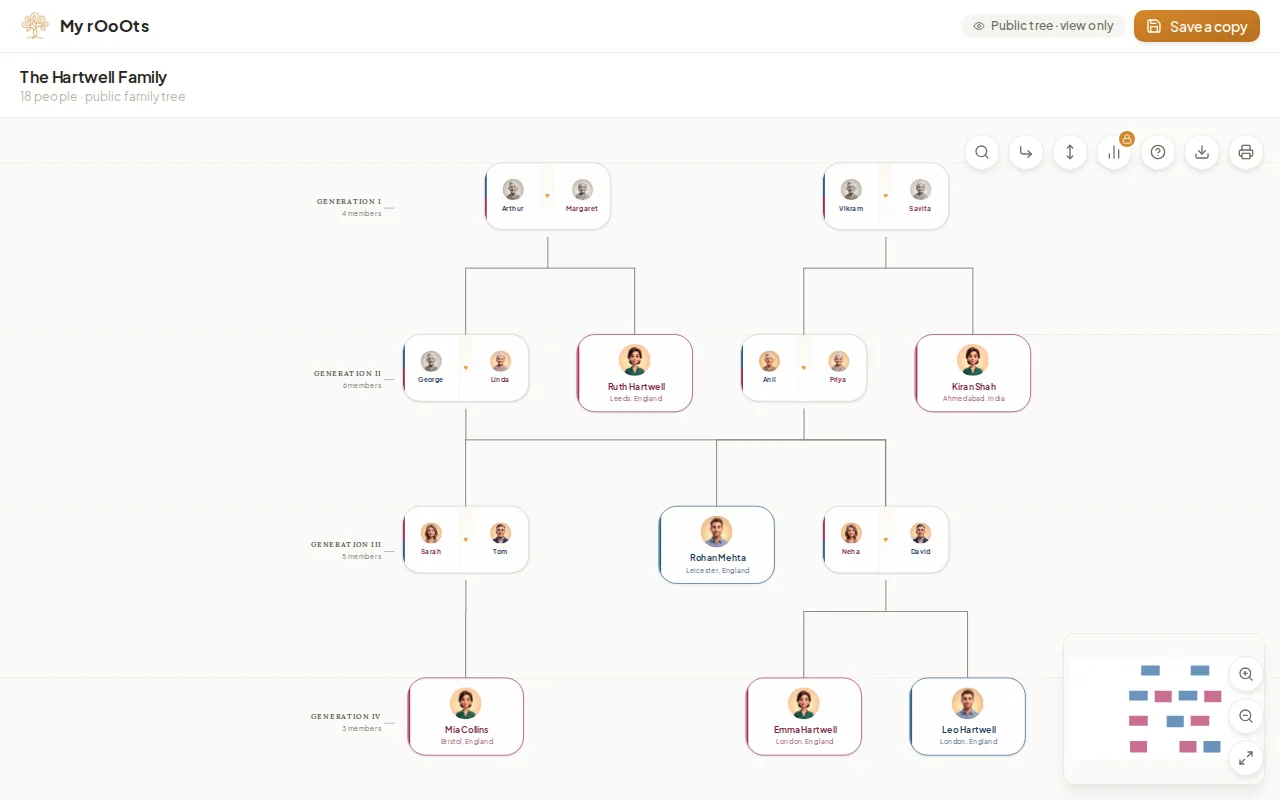
Create a read-only link anyone can open without an account, pick the preview picture people see on WhatsApp, and turn the link off whenever you want.

Record family stories
Send a relative one simple question a week. They answer by voice or text from their phone, with no app or account, and every answer is kept on your tree.
Add relatives
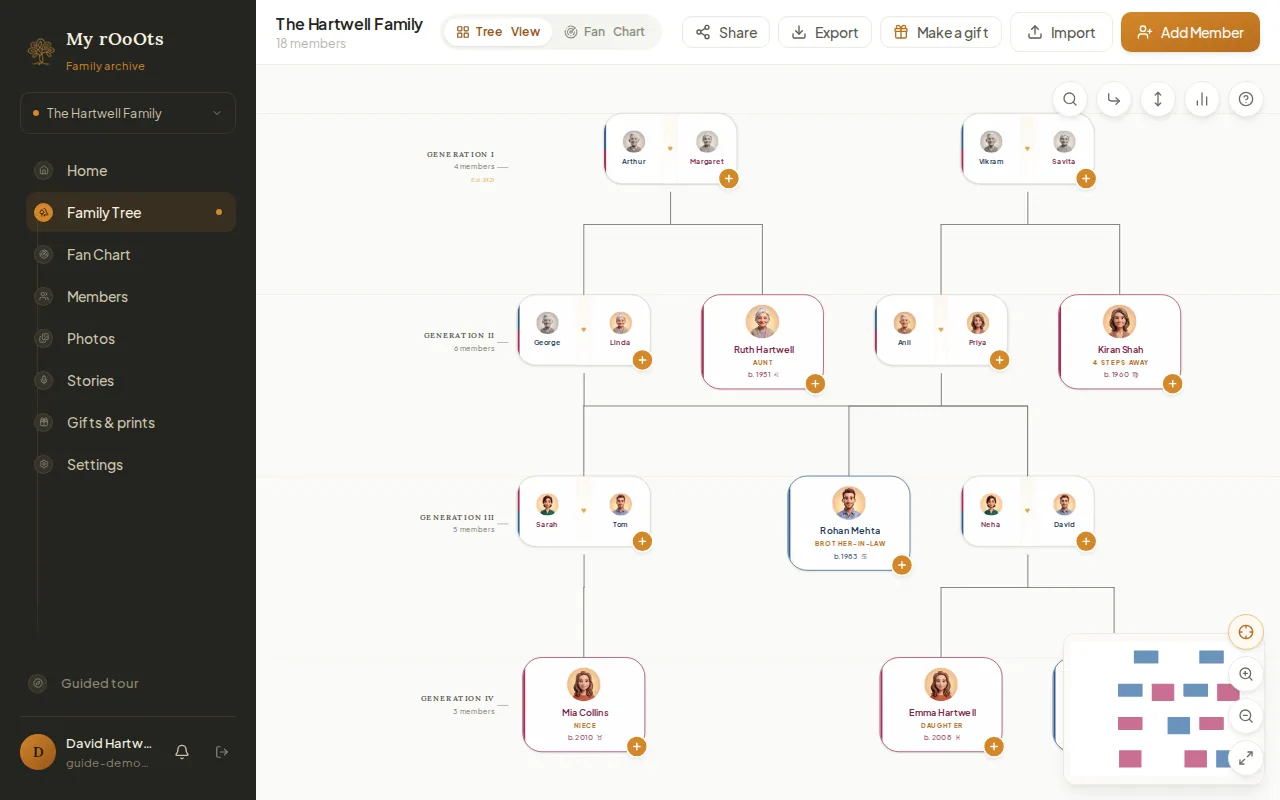
Add anyone to your family tree with the + button on a card or the Add Member button. Parents, spouses, children and siblings are linked for you.
Screenshots show a made-up example family. Last updated 23 September 2026.