- 1
Open Share and create a public link
Press Share above your tree. Under Public Link, choose the picture people see when the link is pasted into WhatsApp, iMessage and similar apps: an info card, your tree's layout, or your fan chart.
Press Create public link, then copy it and send it wherever you like.
Tip: A public link can be opened by anyone who has it and may appear in search results. Use the private invite link instead for family-only access.
Pick a link thumbnail, then create the link. - 2
What people see
The link opens a read-only copy of your tree. Visitors can zoom, search, open profiles and switch to the fan chart, but cannot change anything.
Your tree as a visitor sees it. - 3
Want it discoverable? Join the public directory
In Settings, Public Family Directory lets you offer your tree to the directory of public family trees, where anyone can browse and find it on Google. Every tree is reviewed before it is listed.
Only years are shown for births and deaths, and contact details are never shown. You can withdraw at any time.
Optional: list your tree in the public directory.
Common questions
Can I turn the link off?+−
Yes. Disable it from Share or Settings and it stops working immediately. Creating it again gives a new link, so the old one never comes back.
Can people edit my tree from the link?+−
No. Public links are view-only. To let someone edit, invite them and make them an Editor.
Can I embed my tree on a website?+−
Yes. Once the public link is on, the Public link section in Settings gives you an embed code for the tree or the fan chart. The embedded view is read-only.
Related guides
Invite your family
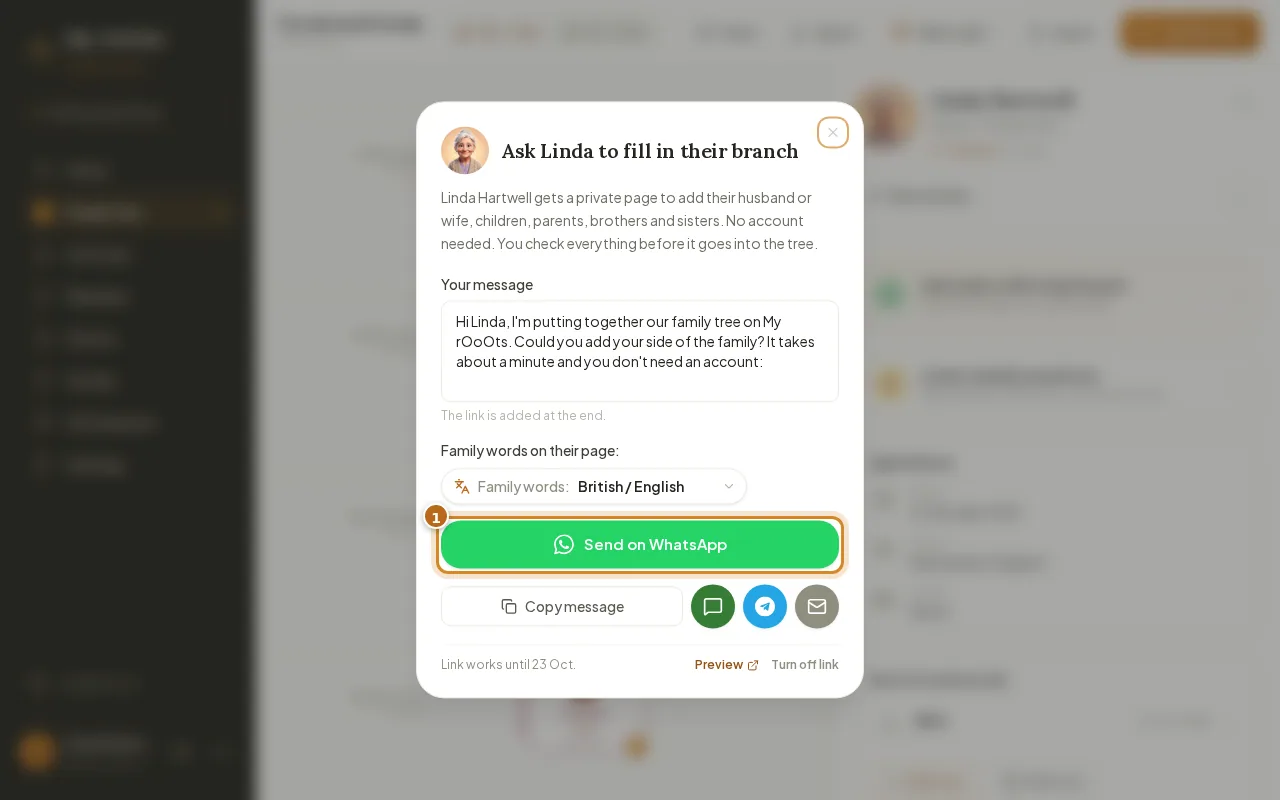
Invite relatives with a private link, or send a Fill in your branch link so they can add their side from their phone with no account. You approve every change.
Download and print
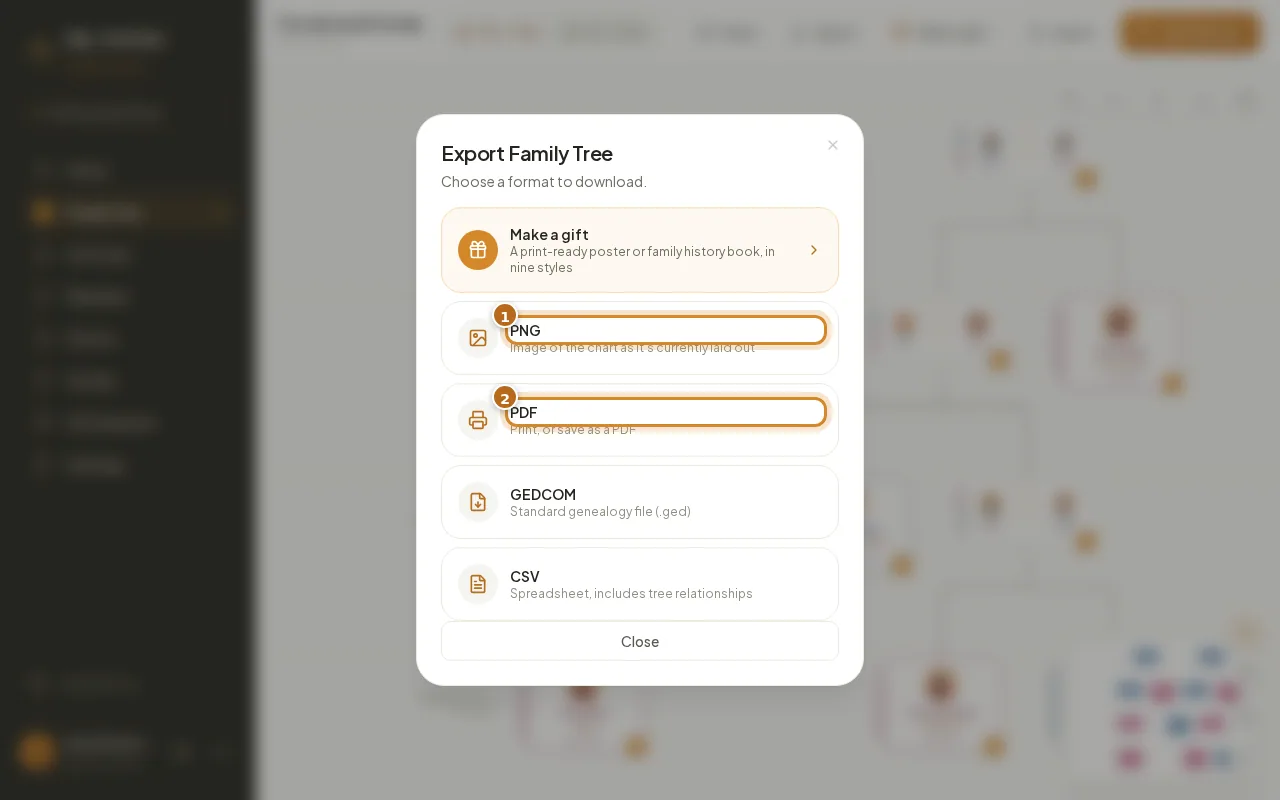
Export your family tree as a PNG image, a printable PDF, a GEDCOM file or a CSV spreadsheet, in a couple of clicks.
Claim a public tree
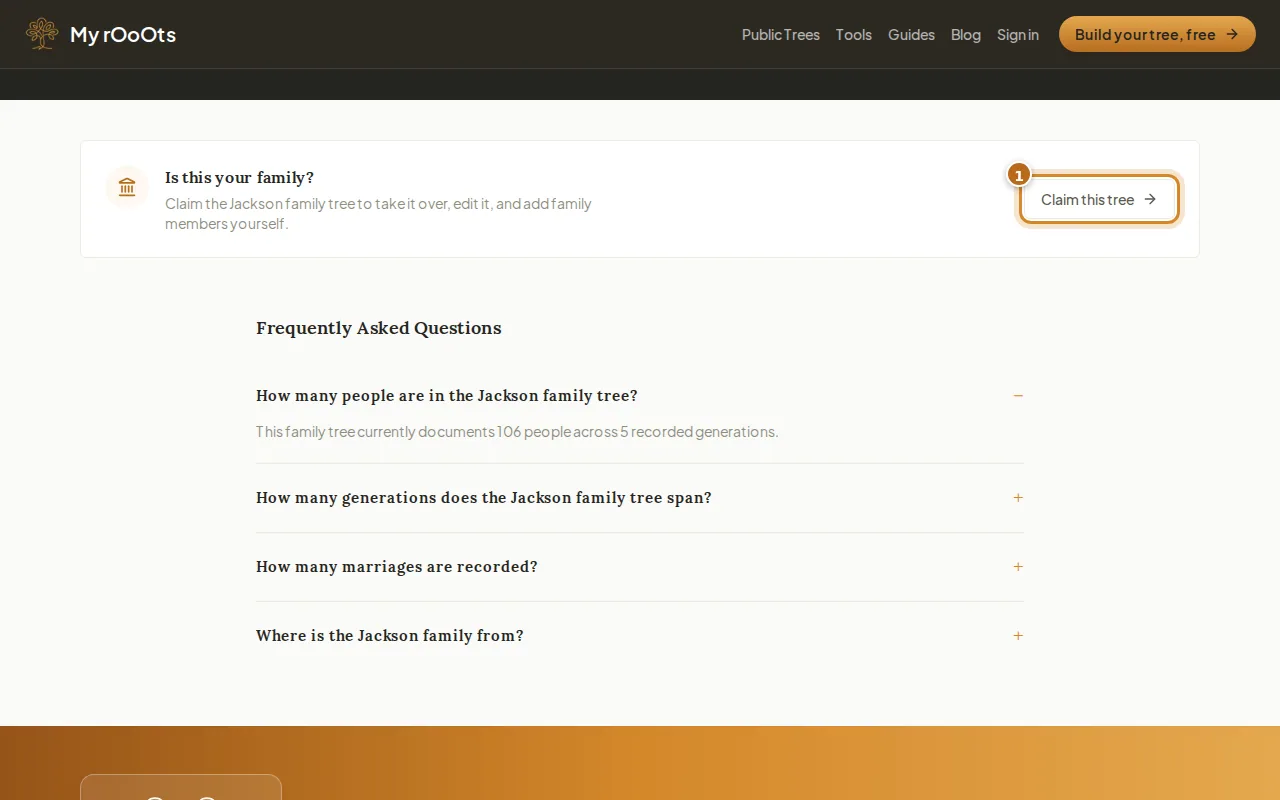
Found your family in the public directory? Claim the tree to take it over and keep building, or claim your own profile with Is this you.
Screenshots show a made-up example family. Last updated 23 September 2026.