In this guide: 3 steps+−
- 1
Find your family in the directory
Browse or search the public family trees. Each tree has its own page with every person, a relationship explorer and photos where there are any.
The directory of public family trees. - 2
Press Claim this tree
Scroll to Is this your family? on the tree's page, tell us who you are and how you are connected, and send it. Once it is approved, the tree moves to your account with everything on it, and you can edit it like any other tree.
Only one person can own a tree. After you claim it, you can invite the rest of the family.
Claim a public tree from its page. - 3
Claim your own profile
If you appear on someone else's public tree, open your profile and press Is this you? The tree's owner gets your request and decides. Once linked, the profile is yours: it shows as you on the tree.
Common questions
Who reviews a claim?+−
Tree claims are reviewed by the My rOoOts team, and you hear back by email. Profile claims go to the tree's owner, who approves or declines them.
What happens to the public page after I claim a tree?+−
You decide. The tree becomes yours, including whether it stays in the public directory.
Related guides
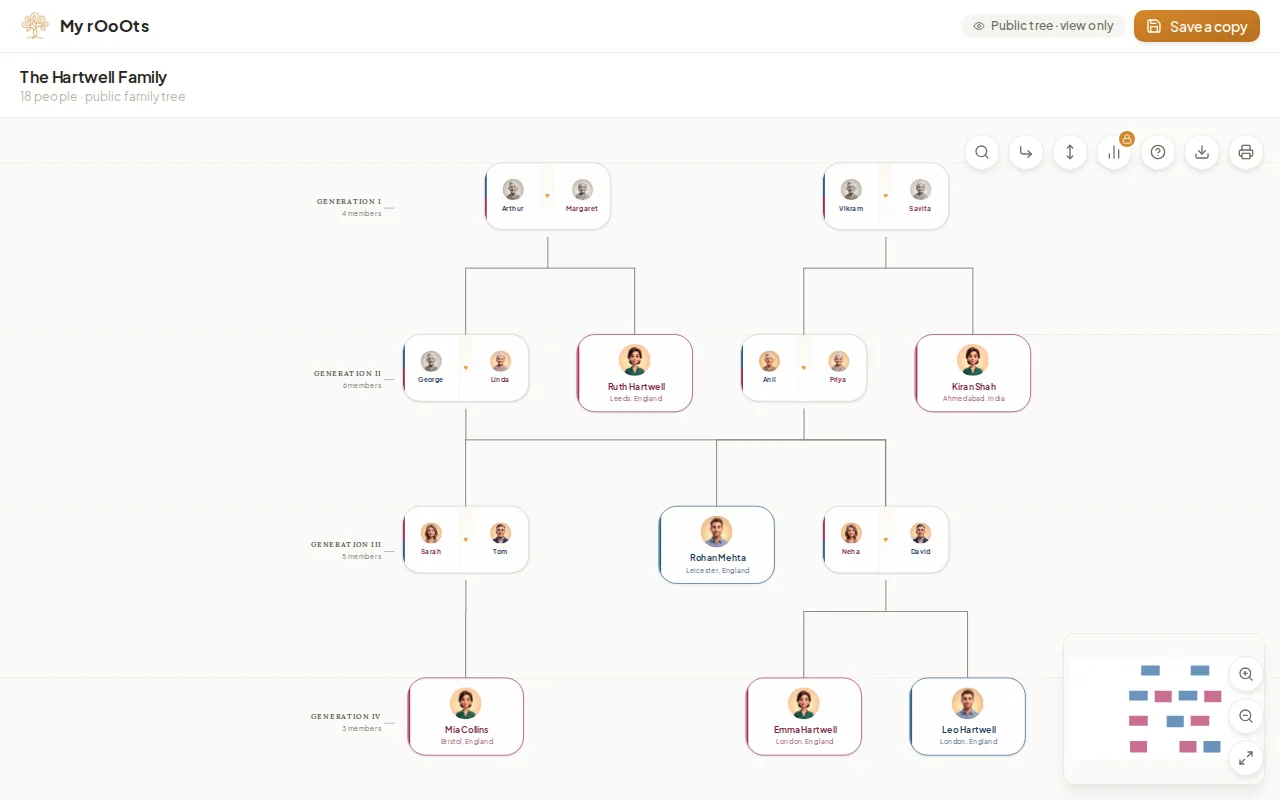
Share your tree
Create a read-only link anyone can open without an account, pick the preview picture people see on WhatsApp, and turn the link off whenever you want.
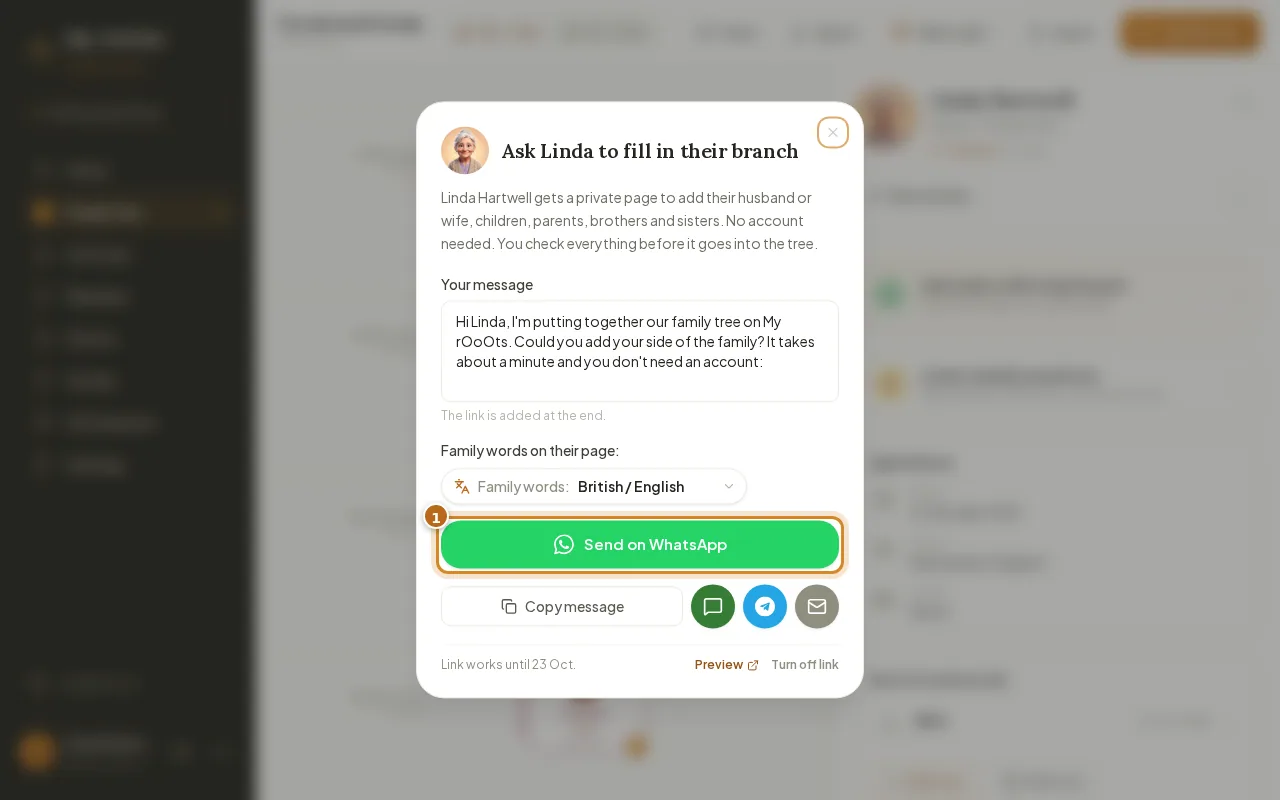
Invite your family
Invite relatives with a private link, or send a Fill in your branch link so they can add their side from their phone with no account. You approve every change.
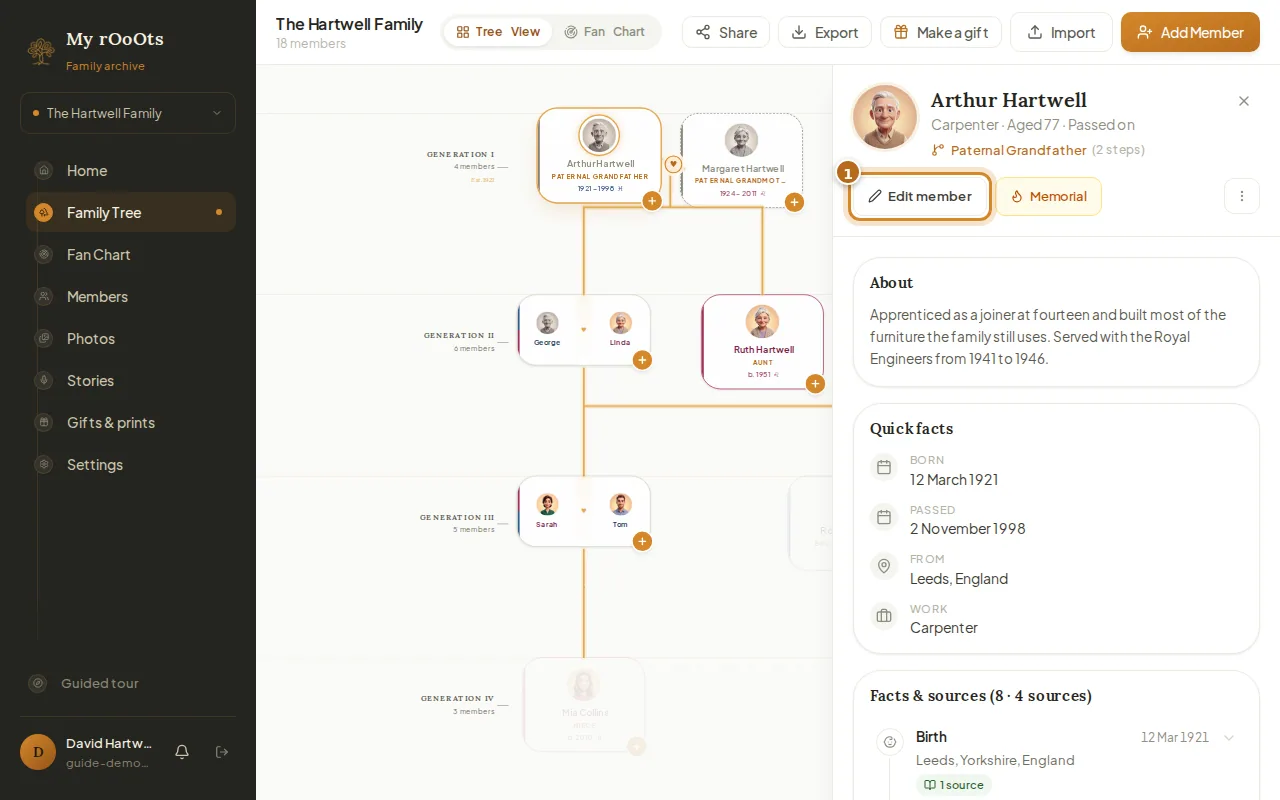
Edit a profile
Open anyone on your tree to add their photo, dates, birthplace, occupation, a short biography, or a tribute for someone who has passed.
Screenshots show a made-up example family. Last updated 23 September 2026.