- 1
Press Export and pick a format
PNG saves the chart as a picture, exactly as it is laid out on screen. PDF opens a print-ready version you can print or save as a PDF. GEDCOM is the standard genealogy file, and CSV is a spreadsheet that includes the relationships.
The first option, Make a gift, opens the poster and family book studio.
Tip: Before exporting a big tree, use the layout button and zoom to frame the part you want in the picture.
Image, PDF, GEDCOM or spreadsheet.
Common questions
Can I export without an account?+−
Yes, as an image or PDF: we just ask for an email to send it to. GEDCOM and CSV exports need a free account.
Can I choose the paper size?+−
For a print in a chosen size, such as a wall poster, use Make a gift. The poster studio checks that names stay readable at the size you pick.
Related guides
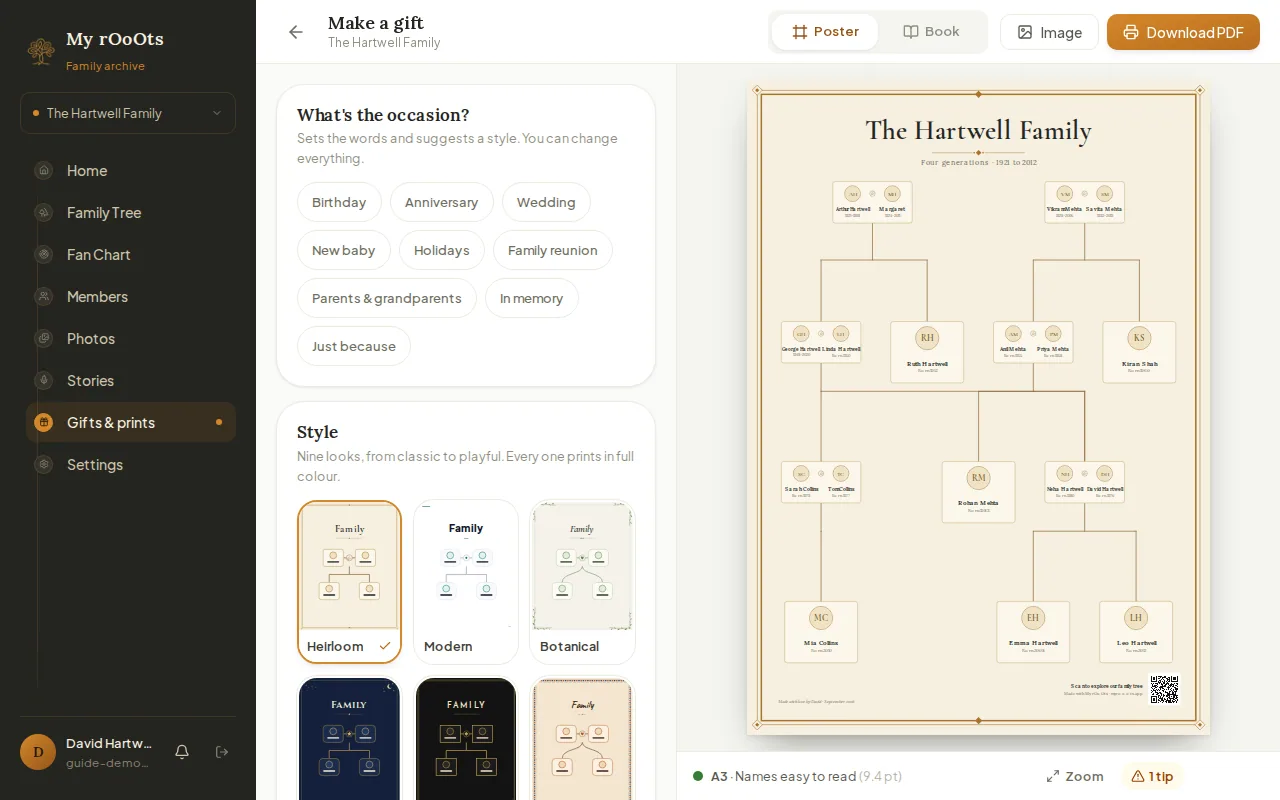
Poster or book
Turn your tree into a framed-print poster or a family history book in nine styles, for a birthday, anniversary, wedding or reunion. Download a print-ready PDF.
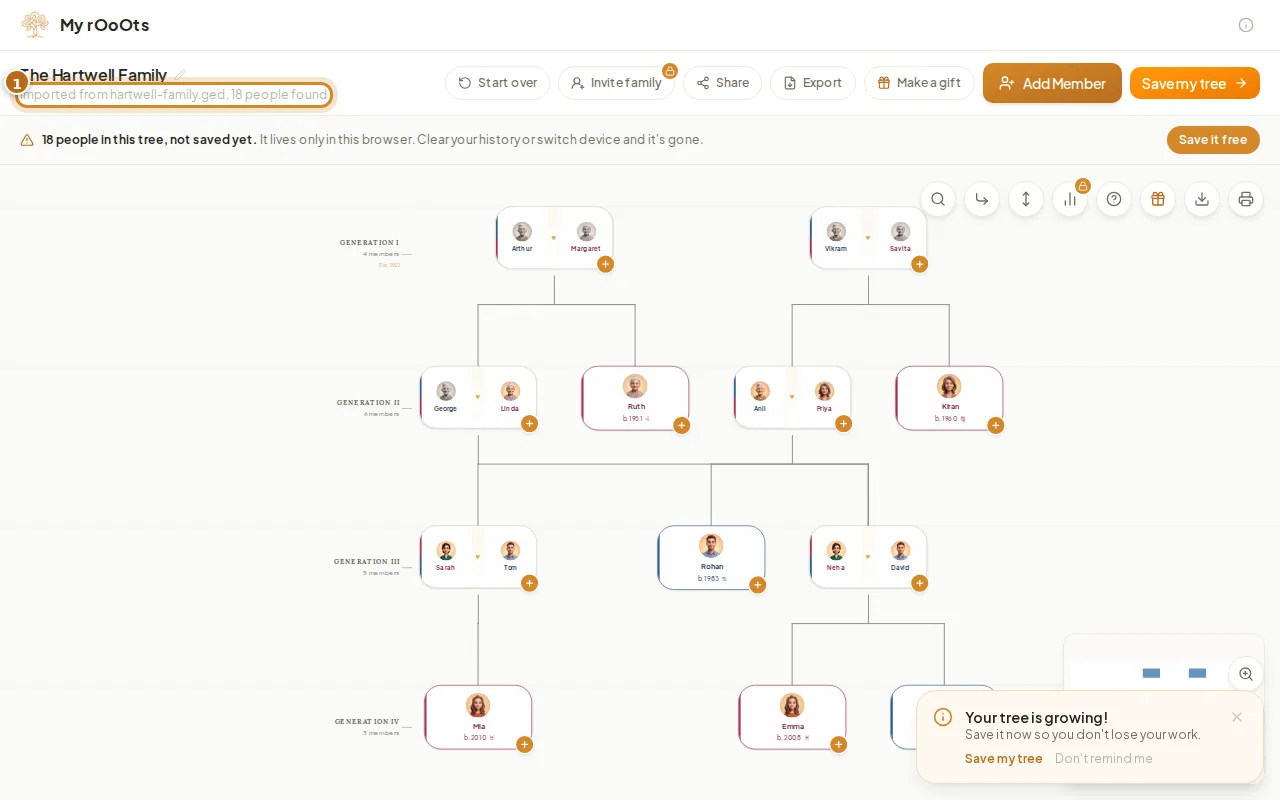
Import a GEDCOM file
Upload a .ged file from any genealogy program and see your family tree in seconds, free. Facts, notes and sources come with it, and you can export again any time.
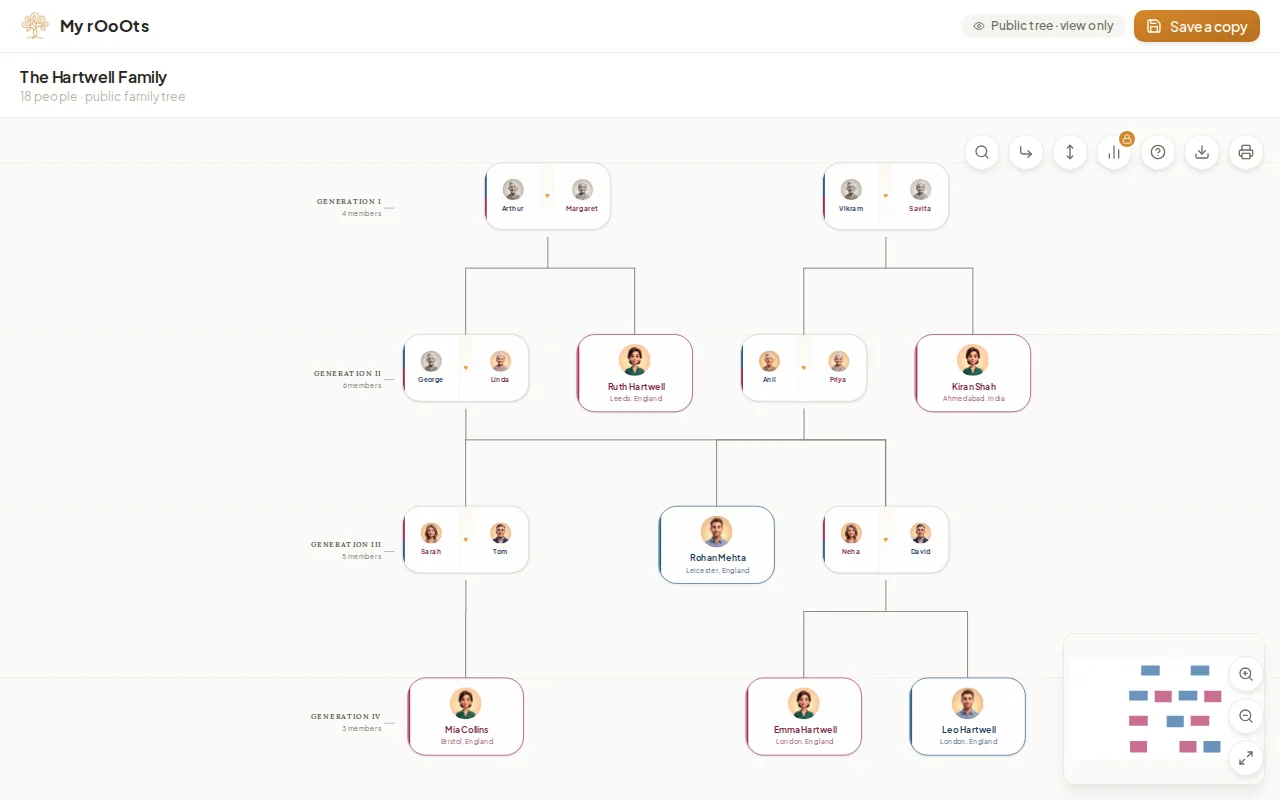
Share your tree
Create a read-only link anyone can open without an account, pick the preview picture people see on WhatsApp, and turn the link off whenever you want.
Screenshots show a made-up example family. Last updated 23 September 2026.