- 1
Switch to Fan Chart
Above the tree, switch from Tree View to Fan Chart. The person in the centre is the chart's focus; search or tap a name to change it.
In the settings panel, choose Ancestors or Descendants, how many generations to show, a half circle or full circle, and colour by generation rings, gender or lineage.
A fan chart with its settings.
Common questions
Can I print the fan chart?+−
Yes. Use Export on the fan chart page to save it as an image or PDF.
Can I share it?+−
Yes. A public link opens both the tree and the fan chart, and you can pick the fan chart as the link's preview picture.
Related guides
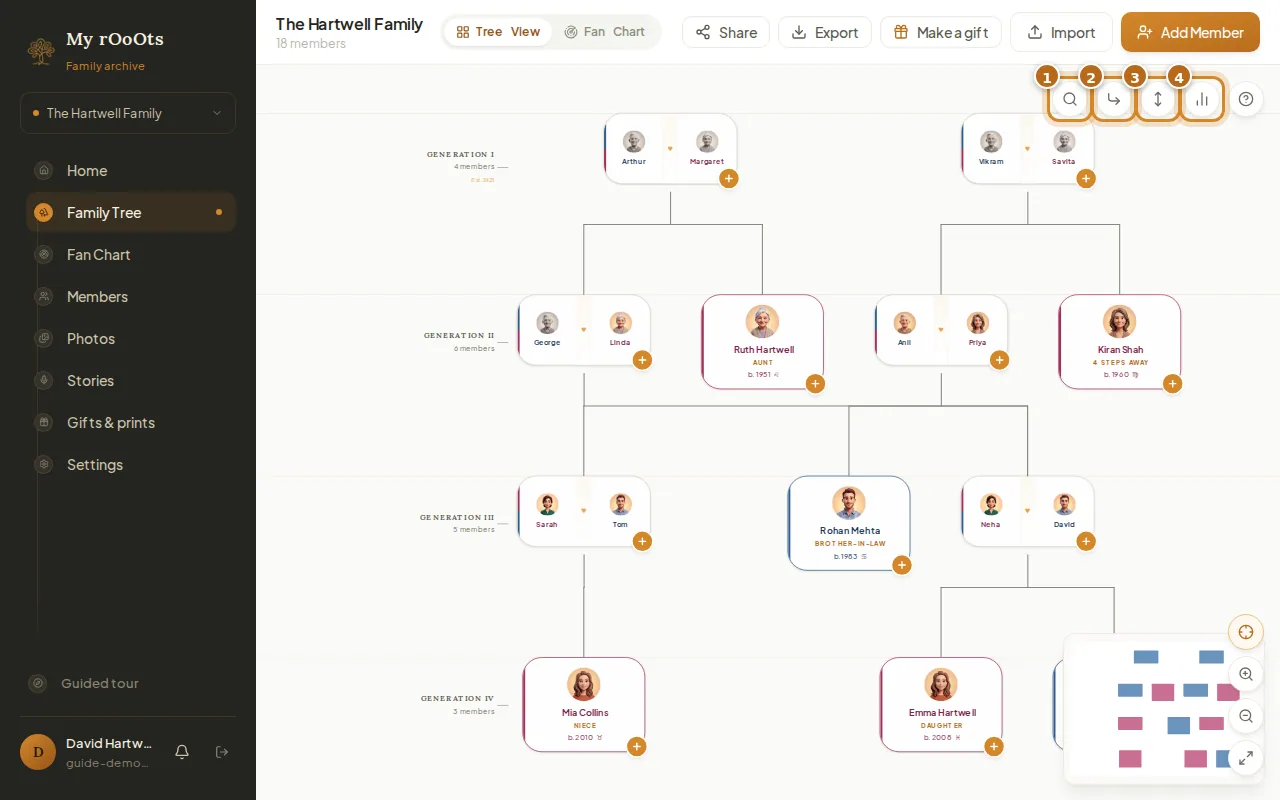
Navigate your tree
Search for anyone, switch the layout, change the connector lines, open family insights, and use the list view on your phone. Works for trees with thousands of people.
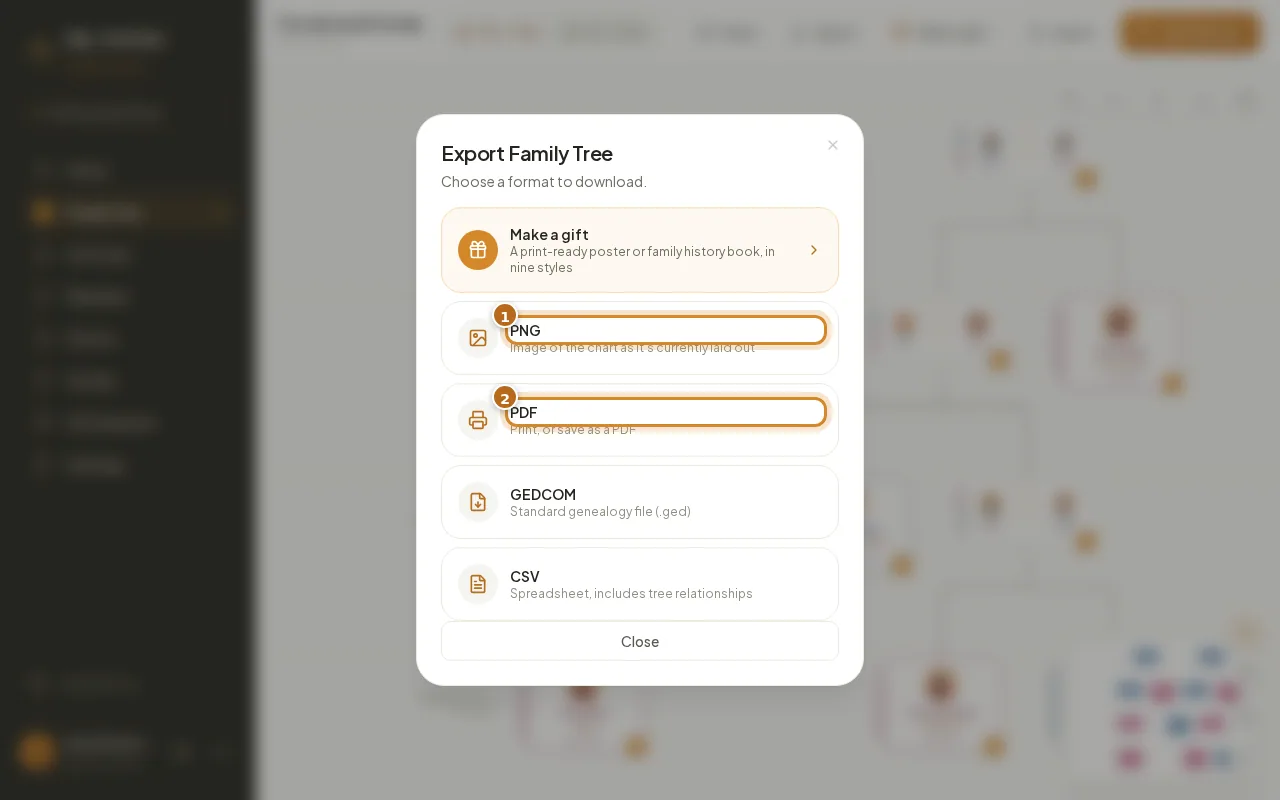
Download and print
Export your family tree as a PNG image, a printable PDF, a GEDCOM file or a CSV spreadsheet, in a couple of clicks.
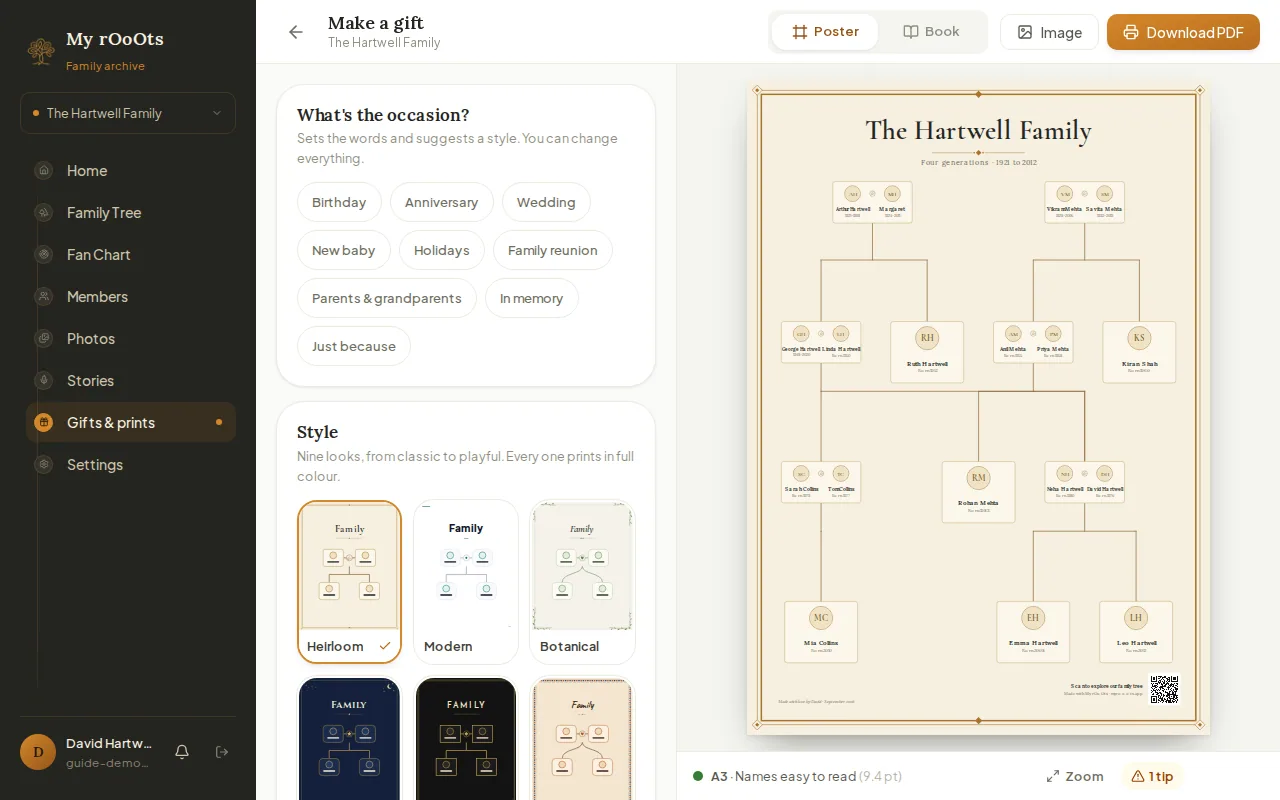
Poster or book
Turn your tree into a framed-print poster or a family history book in nine styles, for a birthday, anniversary, wedding or reunion. Download a print-ready PDF.
Screenshots show a made-up example family. Last updated 23 September 2026.