In this guide: 3 steps+−
- 1
Open Make a gift and pick the occasion
Press Make a gift above your tree, or choose Gifts & prints in the menu. Pick the occasion (birthday, anniversary, wedding, new baby, holidays, family reunion, in memory, or just because) and the studio suggests the words and a style.
The poster preview updates as you choose. - 2
Choose one of nine styles
Heirloom, Modern, Botanical and six more, from classic to playful. Every style prints in full colour, and the preview shows exactly what you will get, including whether names are large enough to read at the chosen paper size.
Nine styles to choose from. - 3
Or make a family history book
Switch from Poster to Book for a multi-page family history of the people on your tree. When you are happy, press Download PDF to print at home or at a print shop, or Image to share it.
A family history book, ready to print.
Common questions
Does it cost anything?+−
No. The poster and book PDFs are free to download and print wherever you like.
What size can I print?+−
The studio checks the name size for the paper you choose, such as A3, so the finished print stays easy to read.
Related guides
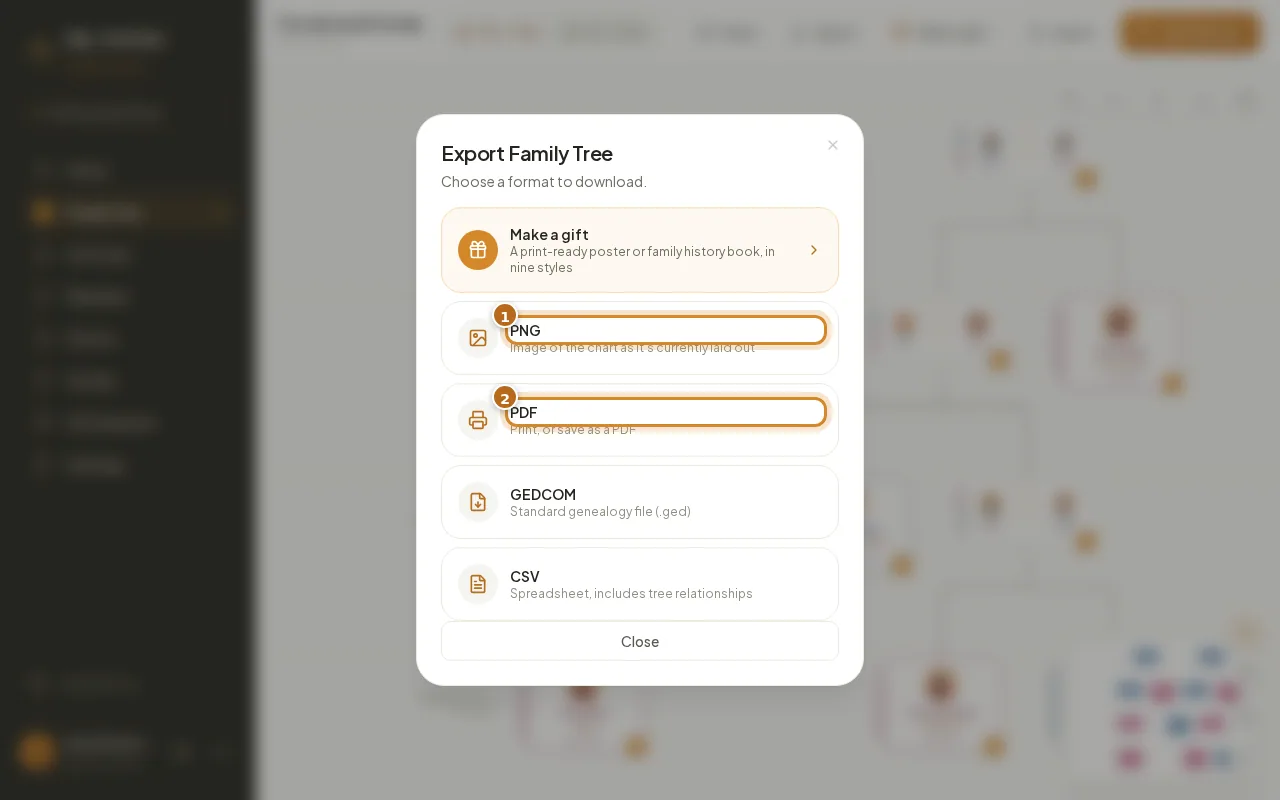
Download and print
Export your family tree as a PNG image, a printable PDF, a GEDCOM file or a CSV spreadsheet, in a couple of clicks.
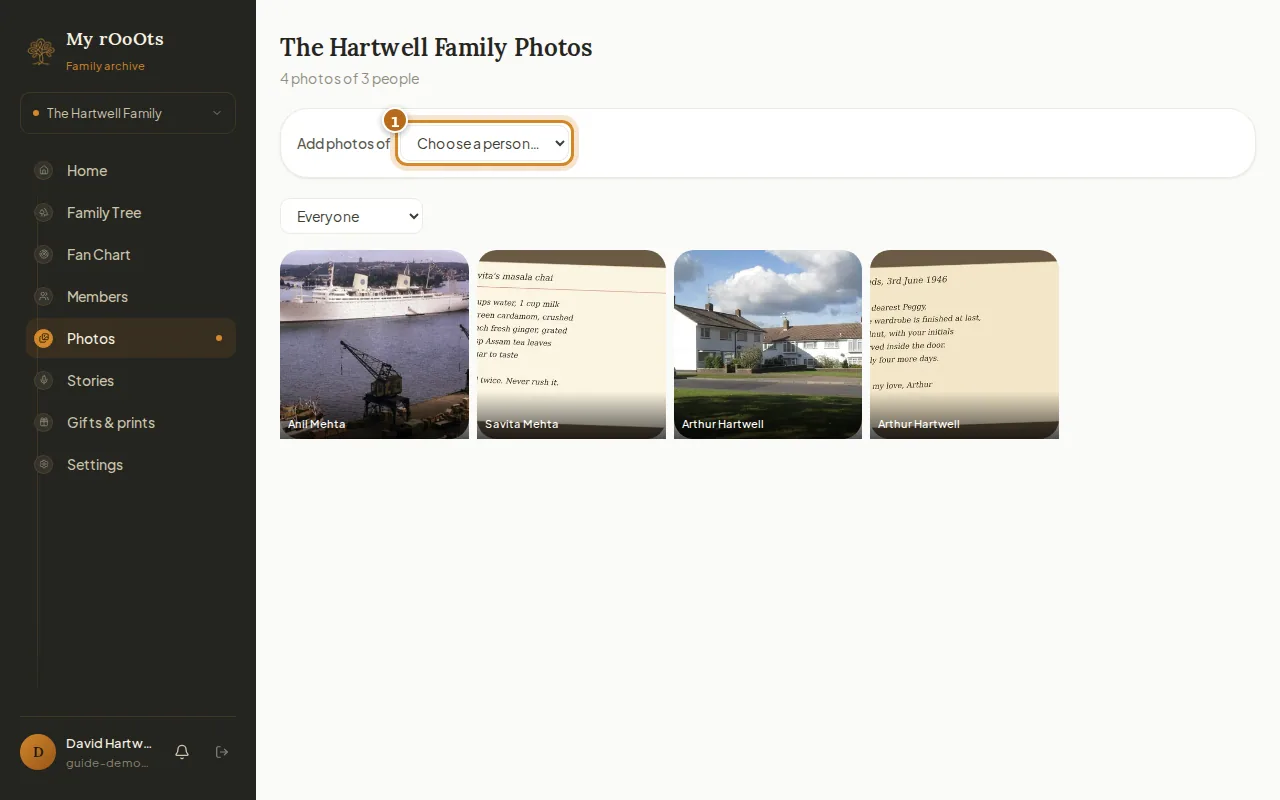
Add family photos
Give every person their own photo gallery, add captions and years, and browse the whole family album in one place. Works from your phone camera roll too.
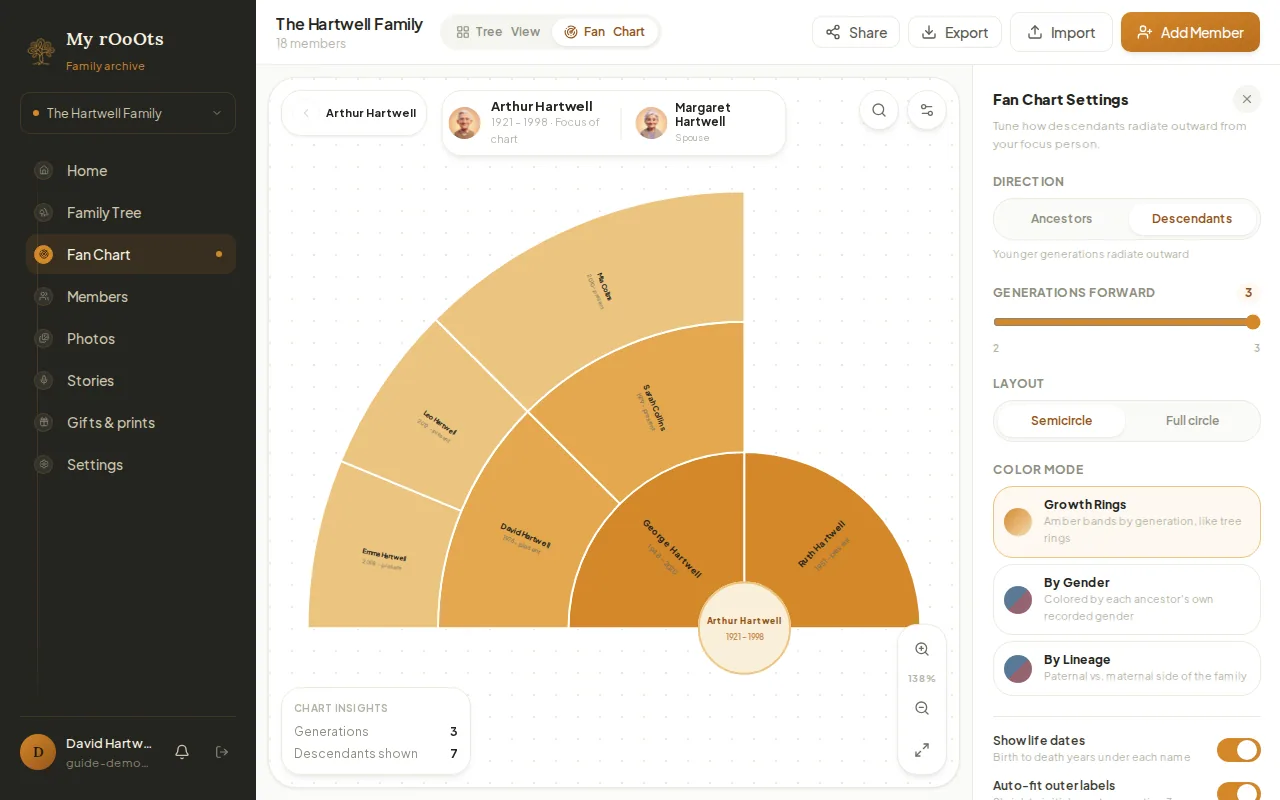
Fan chart
Switch your tree to a fan chart that shows ancestors or descendants radiating out from one person, as a half or full circle, coloured by generation, gender or lineage.
Screenshots show a made-up example family. Last updated 23 September 2026.