- 2
Fill in what you know
Type a first name and choose male, female or other. Everything else is optional: last name, date of birth (or just the year), and More details for place, occupation and a short bio.
Press save. The new card appears in the right generation, already connected.
Tip: Adding someone who has passed? Untick Currently Living and add the date of passing. Their card and profile change to a memorial style.
Only the first name is required. - 4
Check where everyone landed
Each generation sits on its own row, labelled Generation I, II, III and so on. Cards show how each person is related to you, so a wrong link is easy to spot.
Made a mistake? Open the person's profile, remove the wrong relationship under Family relationships, and add the right one.
Generations are laid out for you, with each person's relationship to you on their card.
Common questions
Can I add step-parents, adopted or foster children?+−
Yes. When you link a parent and child from Family relationships in a profile, you can choose biological, step, adopted or foster.
How do I add a second marriage?+−
Add another spouse from the person's + button, or from Family relationships in their profile. Each child stays linked to their own two parents.
Is there a limit on how many people I can add?+−
Trees you build before signing in hold up to 60 people. Once you sign in there is no practical limit; trees with tens of thousands of people work.
Related guides
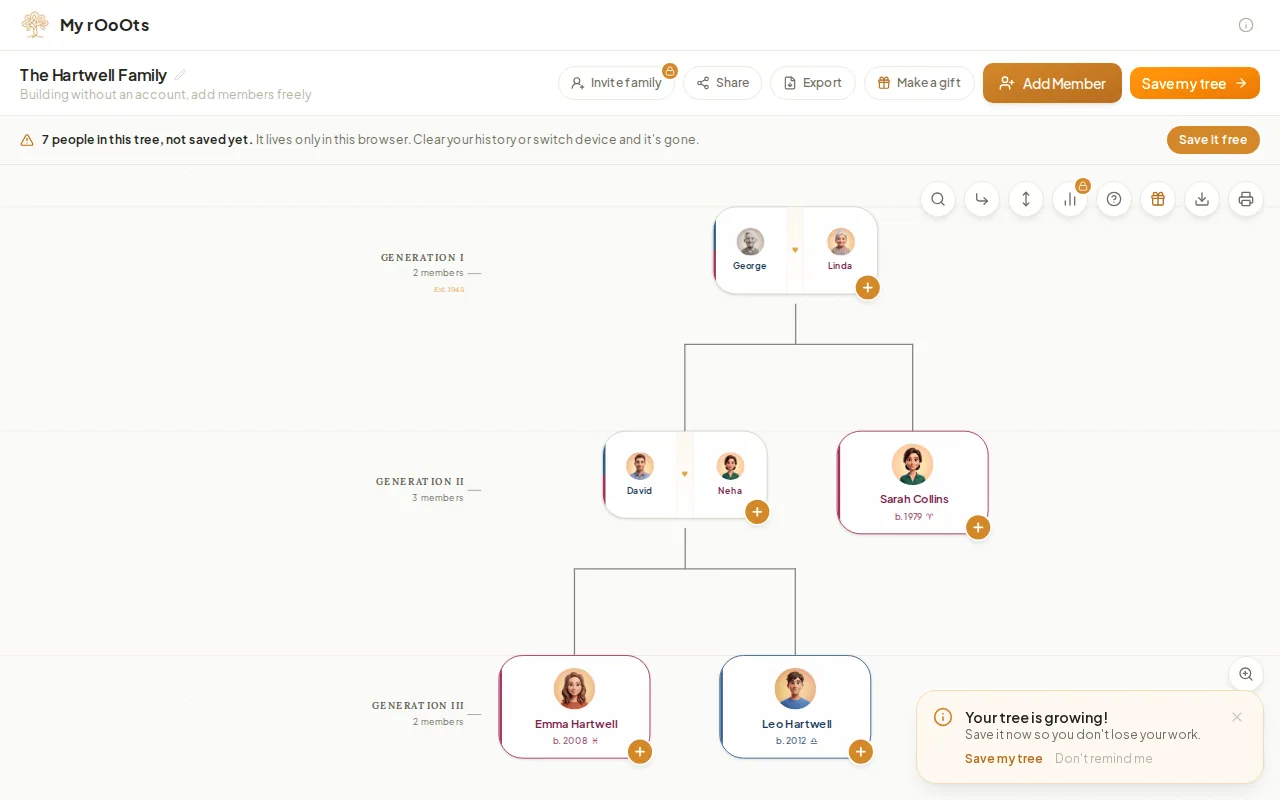
Create your family tree
Start a family tree in your browser in under a minute, with no account and no email. Add yourself, then parents, partners and children, and save it free.
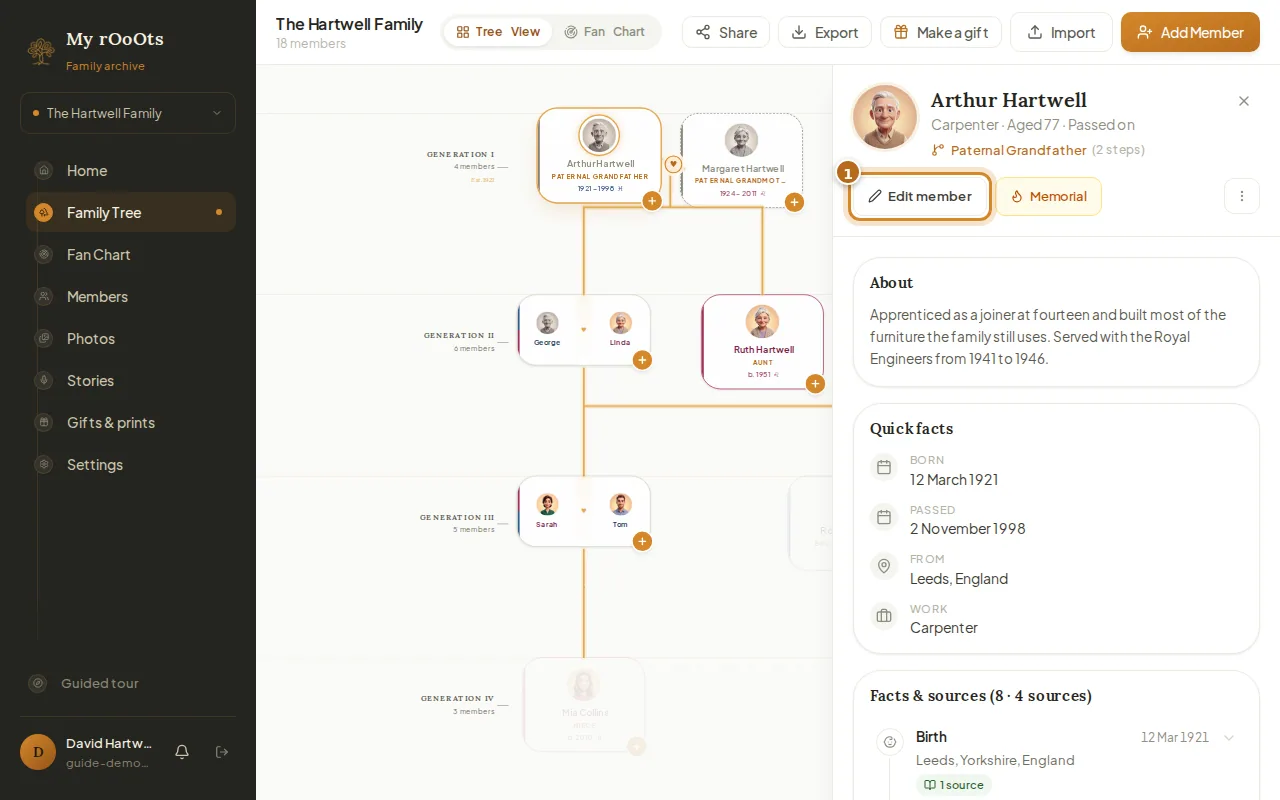
Edit a profile
Open anyone on your tree to add their photo, dates, birthplace, occupation, a short biography, or a tribute for someone who has passed.
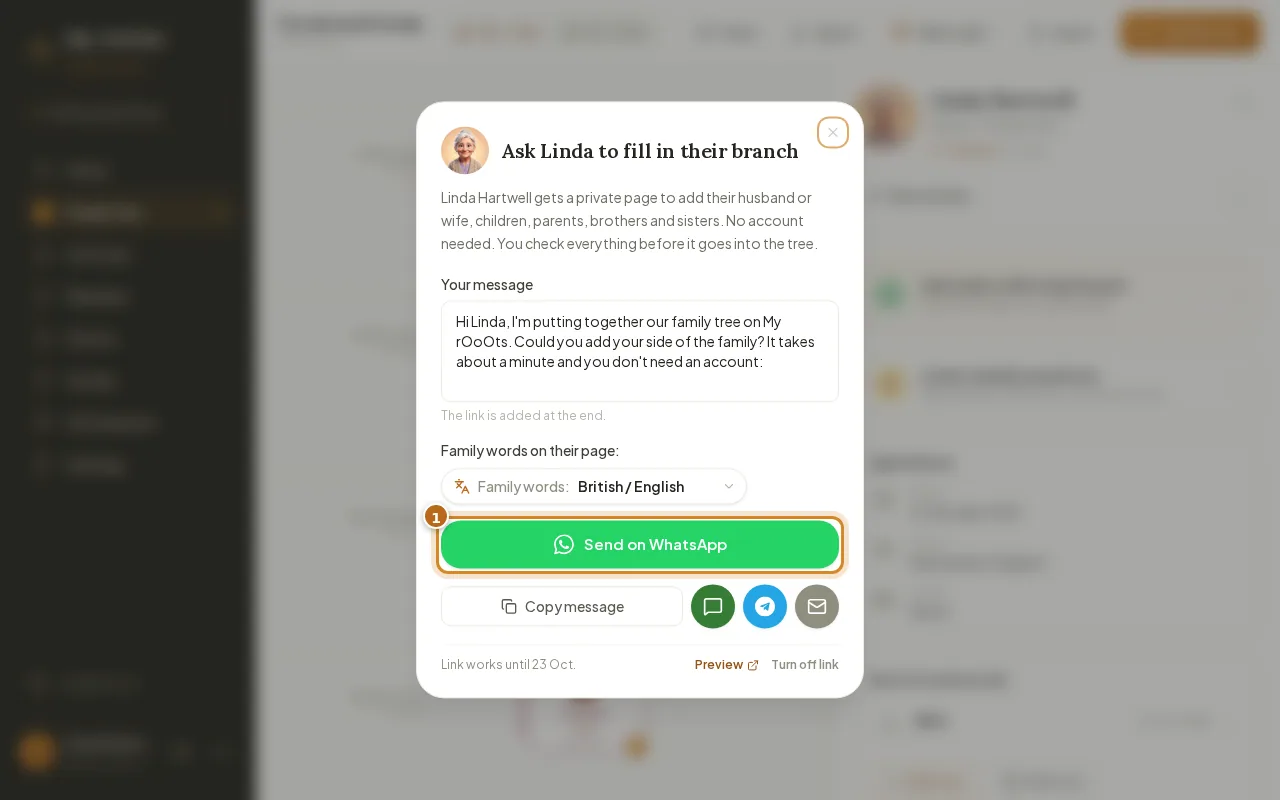
Invite your family
Invite relatives with a private link, or send a Fill in your branch link so they can add their side from their phone with no account. You approve every change.
Screenshots show a made-up example family. Last updated 23 September 2026.