- 1
Tell us your name
Open the free family tree maker and type your first name, your last name, and choose how you describe yourself. There is no account, email or password at this point.
Press Start my family tree. You become the first card on your tree.
Tip: Start with yourself even if you mostly care about your ancestors. Every relationship on the tree is worked out from where you stand.
No sign-up needed: your name is all it takes to begin. - 2
Find the + on your card
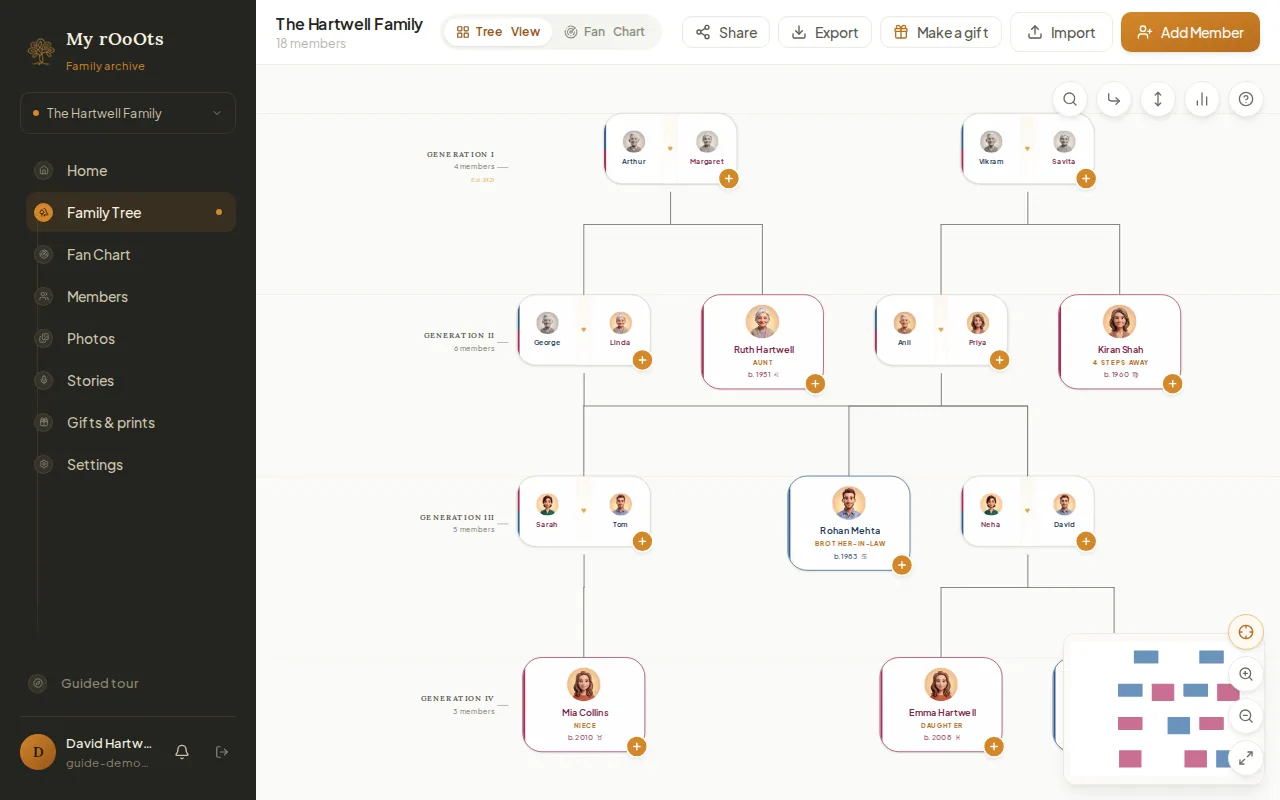
Your tree opens with your own card in the middle. On a computer, every card has a small round + button on its edge. That button is how you add anyone related to that person.
On a phone, just tap the card. A menu slides up with View profile and the relatives you can add.
The + on a card (or a tap on a phone) adds a relative of that person. - 3
Add your parents
Press the + on your card (on a phone, tap the card) and choose Parent. Type their name, pick male or female, and add a birth year if you know it. Save, and they appear above you, already connected.
Add your other parent the same way. The two of them are joined as a couple automatically.
Tip: Not sure of a date? Leave it empty, or tick "Only know the year". You can fill it in later.
Choose who you are adding: parent, partner, child or sibling. - 4
Keep adding relatives
Use the same + on any card to add a husband, wife or partner, sons and daughters, or brothers and sisters. Each new person is placed in the right generation for you.
Cards show how each person is related to you, like Mother, Daughter or Sister, so it is easy to check you put someone in the right place.
Three generations, added in a few minutes. - 5
Save it with a free account
While you build, your tree is kept in this browser. To keep it for good, open it on your phone and computer, or invite family, sign in with Google or with a code sent to your email.
Everything you built comes with you when you sign in. Nothing is lost, and the tree stays private until you choose to share it.
Sign in any time to save the tree to your account.
Common questions
Is it really free?+−
Yes. Building, saving and sharing a family tree on My rOoOts is free, with no plan limits in effect.
Do I need an account to start?+−
No. You can build a tree straight away in your browser. An account is only needed to save it permanently, open it on another device, or invite relatives.
Can I use it on my phone?+−
Yes. The tree builder works in any phone browser. The + buttons, the profile panel and the toolbar all adapt to a small screen.
What if I already have a tree somewhere else?+−
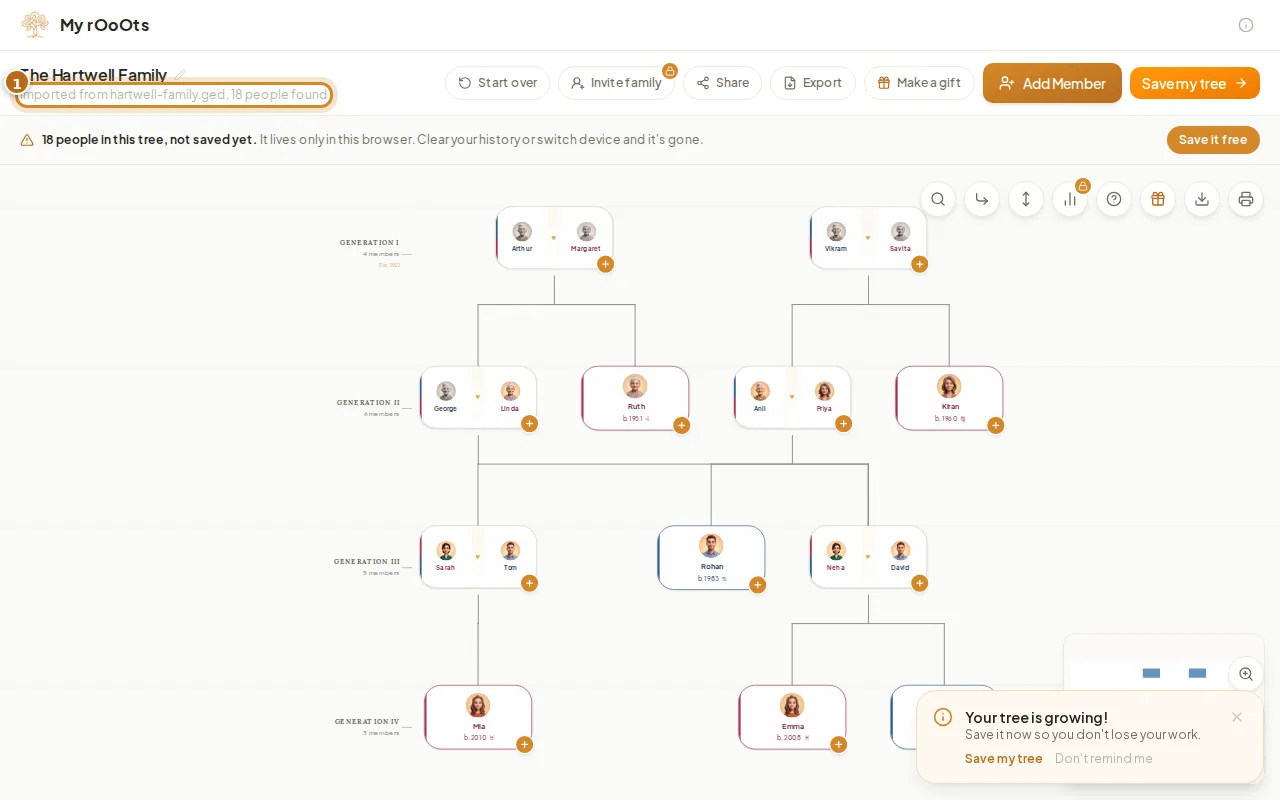
Import it. My rOoOts opens GEDCOM files from Ancestry, MyHeritage, FamilySearch, RootsMagic and other programs. See the guide on importing a GEDCOM file.
Related guides
Add relatives
Add anyone to your family tree with the + button on a card or the Add Member button. Parents, spouses, children and siblings are linked for you.
Import a GEDCOM file
Upload a .ged file from any genealogy program and see your family tree in seconds, free. Facts, notes and sources come with it, and you can export again any time.
Invite your family
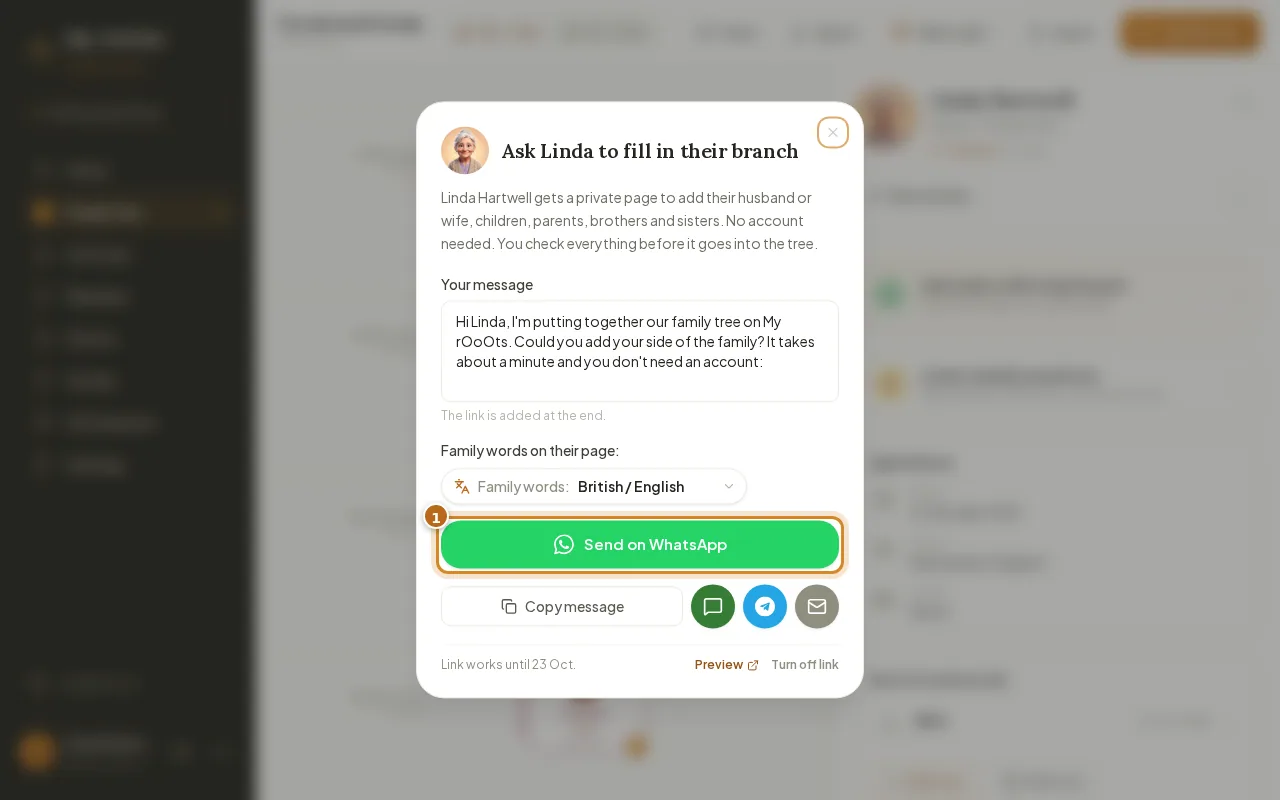
Invite relatives with a private link, or send a Fill in your branch link so they can add their side from their phone with no account. You approve every change.
Screenshots show a made-up example family. Last updated 23 September 2026.