In this guide: 2 steps+−
- 1
Use Search records on any ancestor
Open the profile of someone who has passed and find Search records for them. Each link opens a search on FamilySearch, Find a Grave, BillionGraves, WikiTree, Google Books or the Internet Archive, already filled in with their name, birth and death years and place.
Results are possible matches, so check the details before adding anything to the tree.
Six free archives, searched in one tap. - 2
Work out how a DNA match is related
Took a DNA test with Ancestry, MyHeritage, 23andMe, FamilyTreeDNA or GEDmatch? Enter the centimorgans (cM) you share with a match into the shared cM calculator. It shows every relationship that fits, with the typical range for each.
Save each match to compare them side by side, and email yourself the list.
Shared cM in, possible relationships out.
Common questions
Are the record sites free?+−
All six can be searched free. Some ask you to create a free account to view full records.
Why is Search records missing for some people?+−
It is only offered for people who have passed, which is also when records about them become public.
Related guides
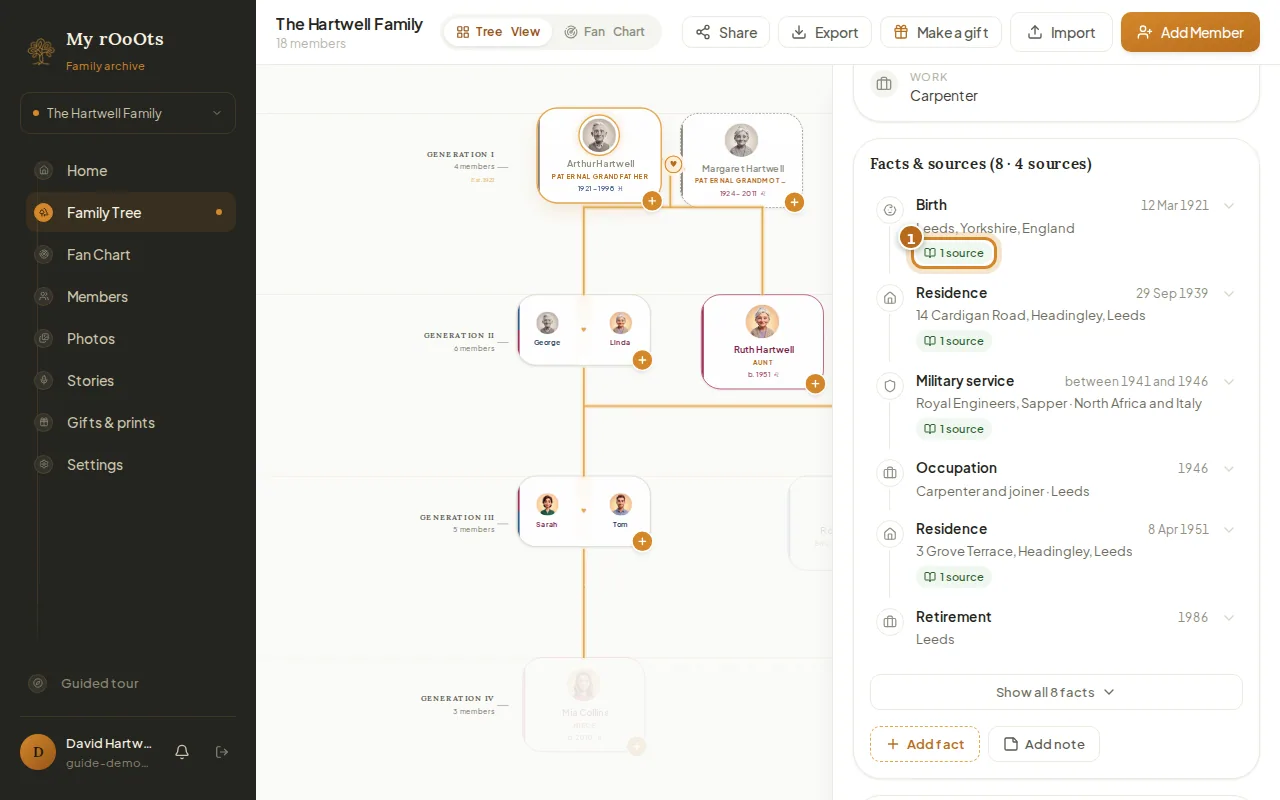
Facts and sources
Build a timeline of each person's life (where they lived, worked and served) and back each fact with a source like a census, certificate or family bible.
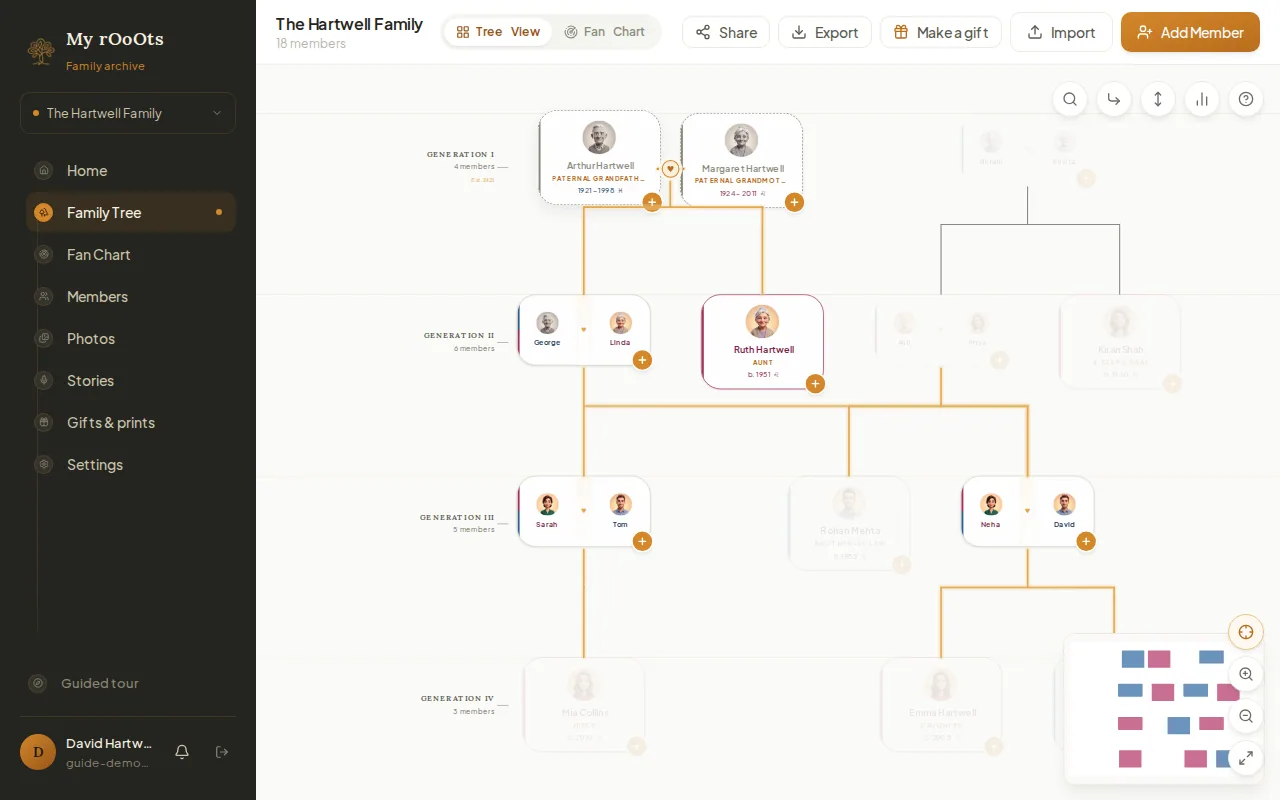
How are we related?
See each person's relationship to you on their card, trace the line between relatives on the tree, and look up the right word in 40 languages and traditions.
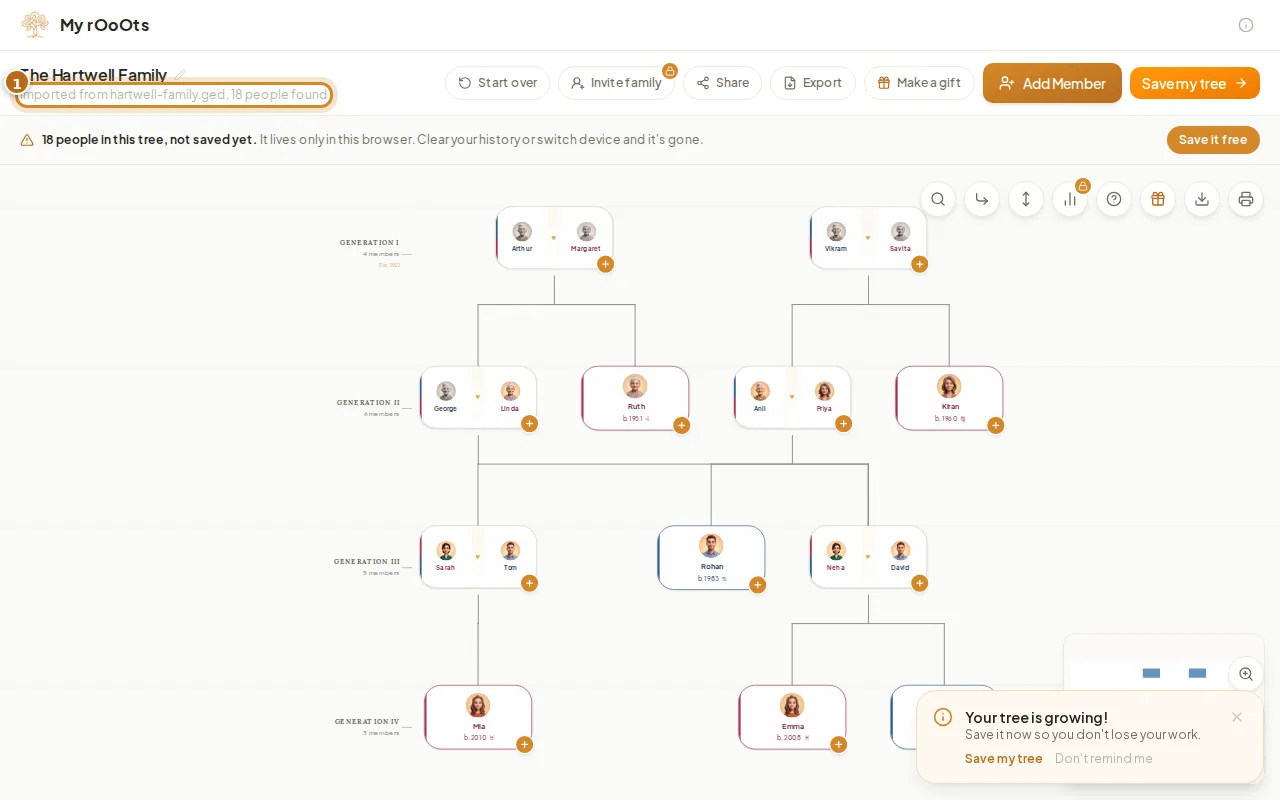
Import a GEDCOM file
Upload a .ged file from any genealogy program and see your family tree in seconds, free. Facts, notes and sources come with it, and you can export again any time.
Screenshots show a made-up example family. Last updated 23 September 2026.